Introduction
Most businesses still juggle a phone system, a separate video tool, and a messaging app that barely talk to each other. UCaaS exists to end that juggling act by pulling calling, video, and messaging into one cloud platform that works the same way on a desk phone, a laptop, or a phone in someone's pocket.
This guide explains exactly what UCaaS is, breaks down how it works underneath, compares it to the legacy PBX systems it replaces and the CCaaS and CPaaS platforms it's often confused with, and shows why so many modern businesses are switching. You will finish knowing whether it is the right fit for how your team actually communicates.
Key Takeaways
- UCaaS combines voice calling, video meetings, team messaging, and collaboration tools into a single cloud-hosted platform.
- It replaces on-premise phone hardware (PBX) with software that works from any internet connection.
- Businesses typically switch to cut costs, support remote teams, and stop managing several disconnected communication tools.
- Choosing the right UCaaS provider comes down to reliability, integrations, and how well it scales as the business grows.
What Is UCaaS?
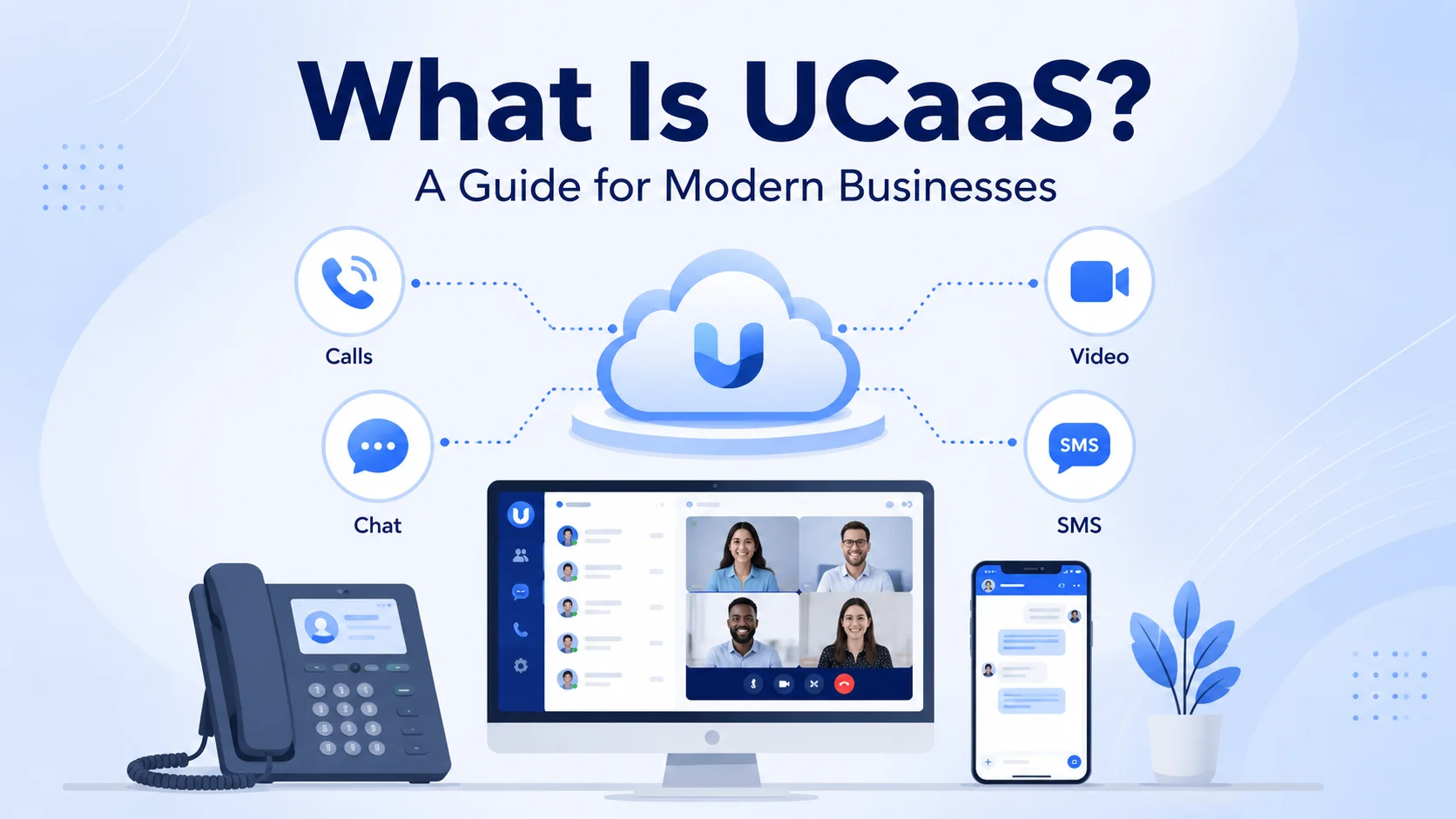
UCaaS stands for Unified Communications as a Service. It is a cloud-based platform that bundles a business's core communication tools — phone calling, video conferencing, team messaging, and often SMS — into a single system rather than several separate ones.
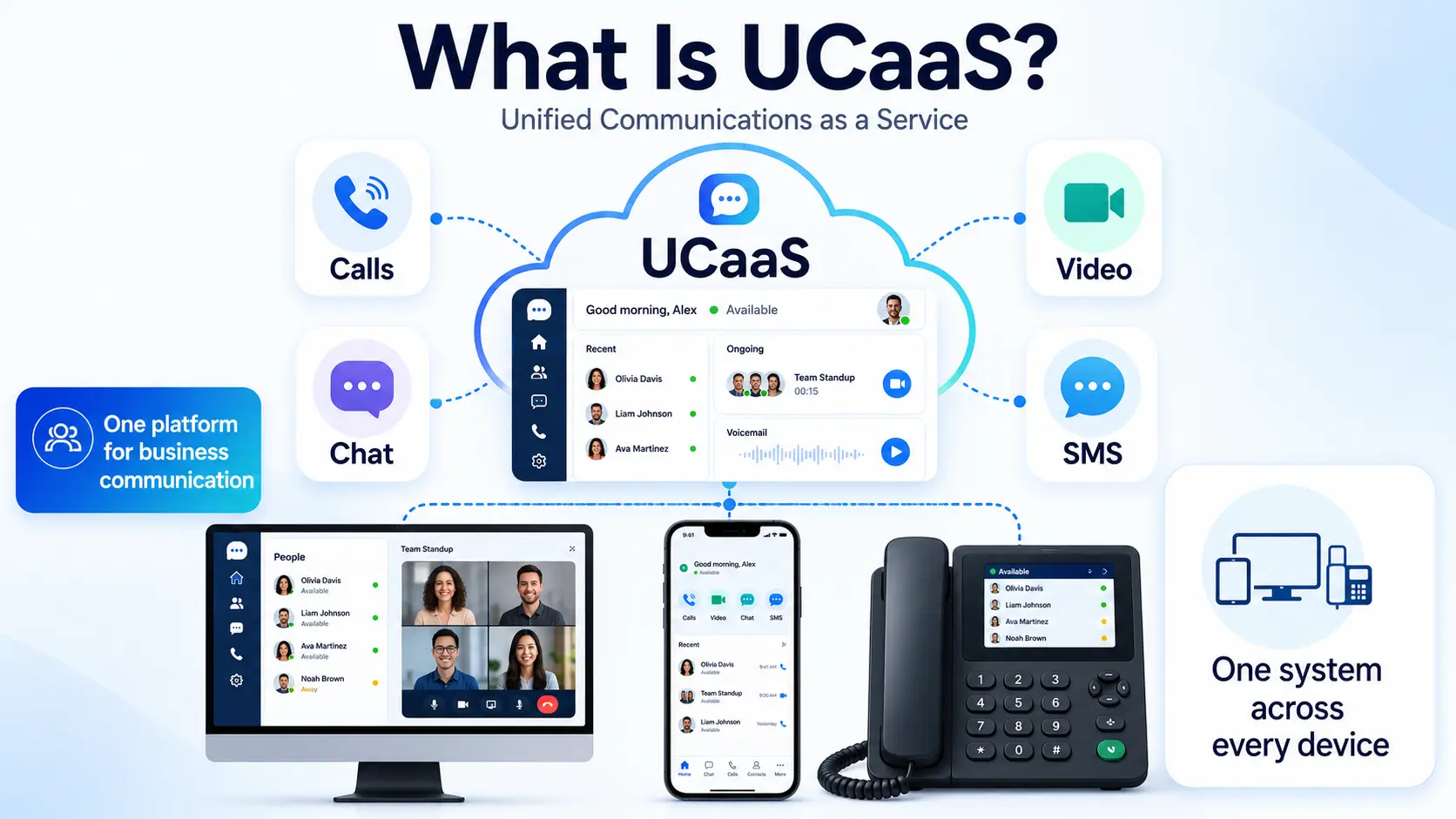
Instead of installing a physical phone system in an office and maintaining hardware for every desk, a business subscribes to UCaaS and accesses everything through an internet connection. Employees can make calls, join video meetings, and message colleagues from a desktop app, a mobile app, or a traditional desk phone, all tied to the same account and the same business number.
The word "unified" is the key idea. Rather than switching between a phone system, a video tool, and a separate chat app that do not share information, UCaaS keeps calls, messages, and meetings in one place, often with a shared history and presence status so colleagues can see who is available before reaching out.
How Does UCaaS Work?
UCaaS runs entirely in the cloud, which means the provider hosts and maintains the infrastructure that used to sit in an office server room. Calls are carried over the internet using Voice over IP (VoIP) technology instead of traditional copper phone lines, which is what allows a business number to ring on a laptop in one country and a mobile phone in another at the same time.
Video conferencing, messaging, and collaboration tools sit on the same platform, so a conversation can move from a chat message to a call to a video meeting without switching apps or losing context.
Because everything is hosted by the provider, updates, security patches, and new features roll out automatically, without a business needing to schedule downtime or buy new equipment. Most UCaaS platforms also connect to everyday business tools, syncing with a CRM, a calendar, or a helpdesk so that call and message history show up alongside customer records automatically.
Presence indicators are another common feature, showing whether a colleague is on a call, in a meeting, or free, so employees can choose the right way to reach them instead of guessing.
UCaaS vs. Traditional Phone Systems
The clearest way to understand UCaaS is to compare it with the on-premise PBX systems it is replacing.
A traditional PBX phone system requires physical hardware installed on-site, along with dedicated phone lines and an IT team to maintain it.
Adding a new employee often means ordering new equipment or running new wiring, and remote work is difficult since the system is tied to a physical location.
UCaaS removes all of that.
New employees are added with a login, not a hardware order, and they can work from anywhere with an internet connection, whether that is a home office, a co-working space, or a different country entirely.
Cost follows the same pattern: a traditional PBX involves a large upfront investment in equipment plus ongoing maintenance, while UCaaS is typically billed as a predictable monthly subscription per user, with no hardware to replace as the business grows.
| Traditional PBX | UCaaS |
|---|---|
| Physical hardware installed on-site | No hardware — runs entirely in the cloud |
| New hire needs equipment or wiring | New hire just gets a login |
| Tied to one physical location | Works from any device, anywhere |
| Large upfront cost plus maintenance | Predictable monthly subscription per user |
UCaaS vs. CCaaS and CPaaS
UCaaS is often mentioned alongside two related terms, CCaaS and CPaaS, and it helps to know how they differ before choosing a platform.
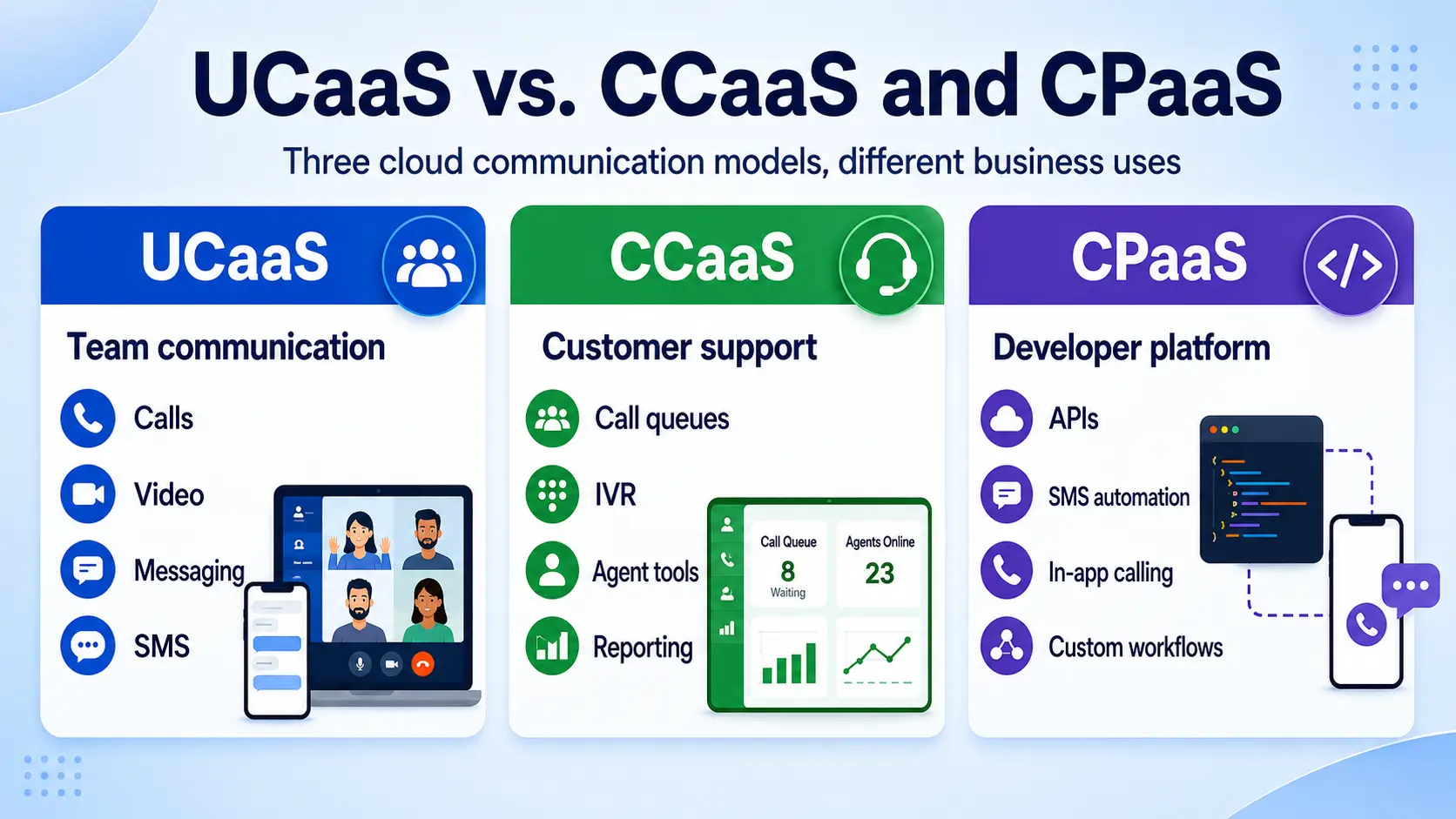
UCaaS focuses on internal and general business communication — the calls, messages, and meetings a team uses to work together every day.
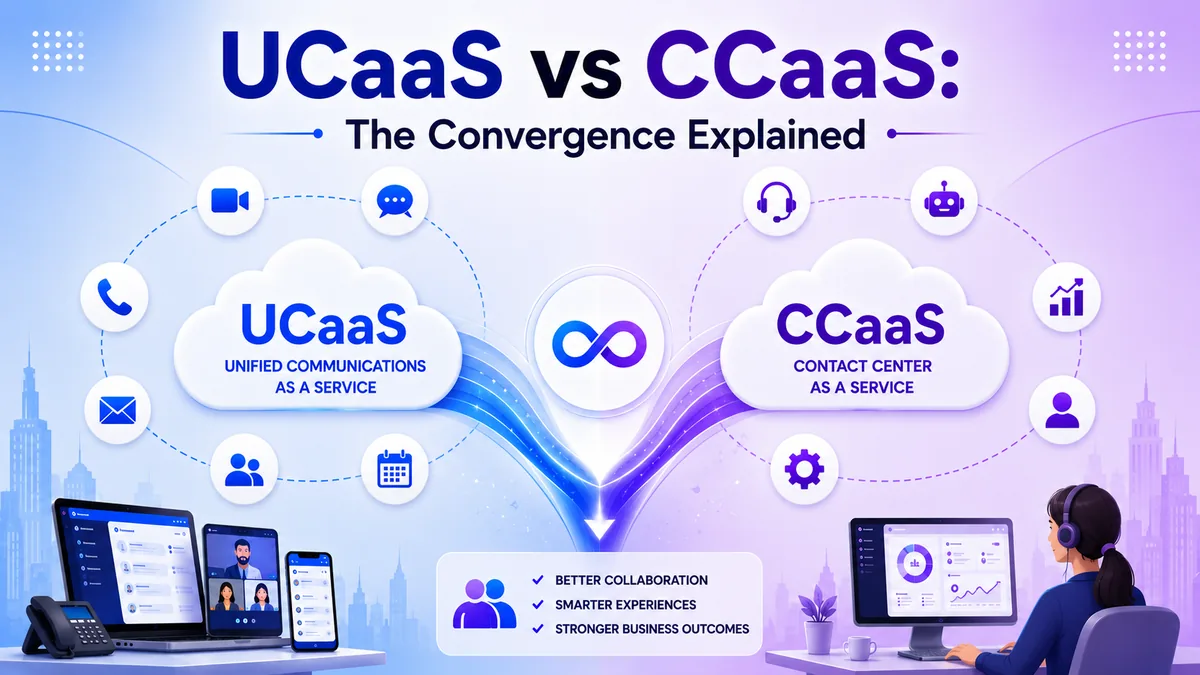
CCaaS, or Contact Center as a Service, is built specifically for customer-facing teams, adding tools like call queues, IVR menus, and agent performance reporting for a dedicated support or sales floor — see UCaaS vs CCaaS for why more businesses are converging the two.
CPaaS, or Communications Platform as a Service, is a developer-focused toolkit that lets businesses build custom communication features directly into their own apps, such as in-app calling or automated SMS alerts. Many businesses use UCaaS for everyday team communication and add CCaaS separately once they run a dedicated customer support or sales operation.
Key Benefits of UCaaS for Modern Businesses
Businesses adopt UCaaS for a handful of consistent reasons, regardless of industry.
Cost savings are usually the first driver, since replacing hardware maintenance and multiple software subscriptions with one predictable monthly bill tends to lower total spend.
Remote and hybrid work support is a close second, since employees keep the same business number and access on any device, whether they are in the office or working from home.
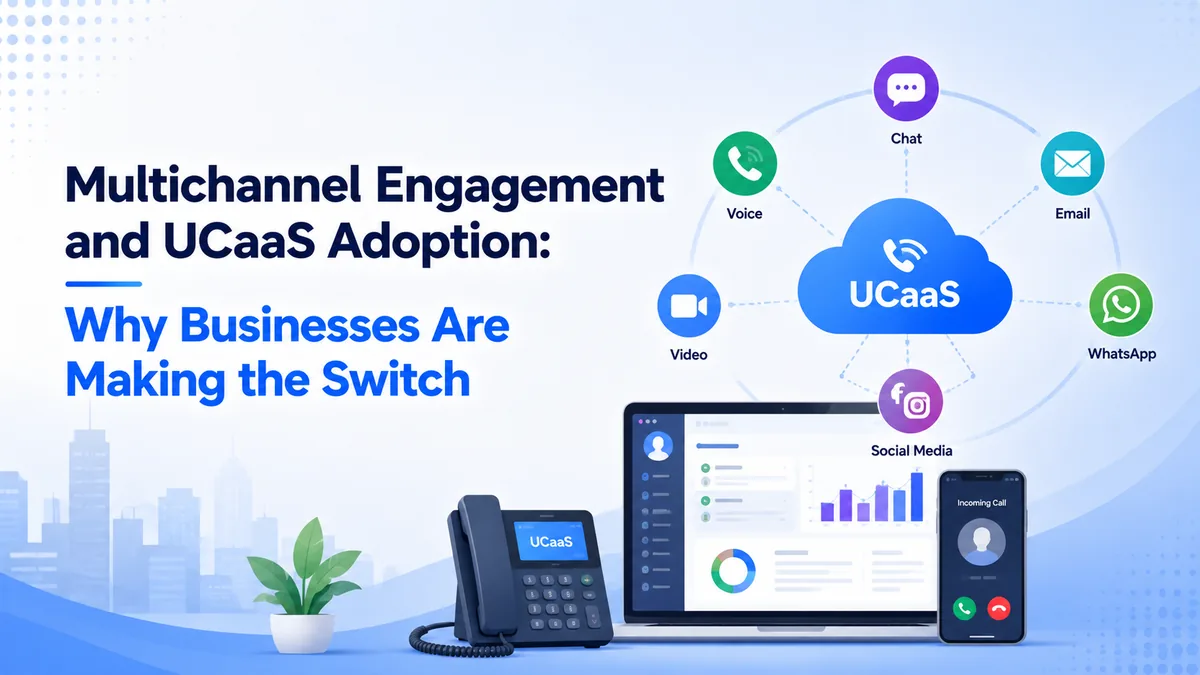
Consolidation matters too: managing one platform instead of three or four separate tools cuts down on IT overhead and reduces the chances of messages getting lost between systems — the same shared-history problem covered in multichannel engagement and UCaaS adoption.
Scalability rounds it out, since adding or removing users takes minutes rather than a hardware order, which matters for businesses that grow, shrink, or open new locations often.
A newer driver is showing up fast: providers are weaving AI directly into the platform, from live call transcription to smart call routing — a shift covered in how AI is shaping the future of UCaaS.
How AI Has Changed UCaaS in 2026
The most significant shift in UCaaS over the last two years is not a new communication channel but AI built directly into the platform. Providers have moved past novelty features, and AI now handles tasks that used to take hours of manual effort from teams of all sizes.
- Real-time transcription and summaries — calls are transcribed automatically and condensed into action items, so no one needs to take manual notes during a meeting.
- AI call routing — intelligent routing reads caller intent or history and connects them to the right person or queue without a traditional IVR menu.
- Sentiment analysis — the platform flags calls where a customer sounds frustrated, giving supervisors a chance to intervene before the conversation goes wrong.
- AI receptionist — an automated virtual assistant handles inbound calls around the clock, qualifying callers and booking callbacks without a live agent.
- Smart noise cancellation — background noise is filtered in real time on both ends of the call, which matters for teams working from home offices or co-working spaces.
The practical effect is that a small team can handle a volume of inbound calls that used to require a much larger headcount, and every conversation produces a written record automatically. For businesses evaluating UCaaS providers, AI capability has become one of the main differentiators alongside reliability and price.
Common UCaaS Use Cases
UCaaS fits almost any business that relies on calls, messaging, or meetings to operate, but a few patterns show up often.
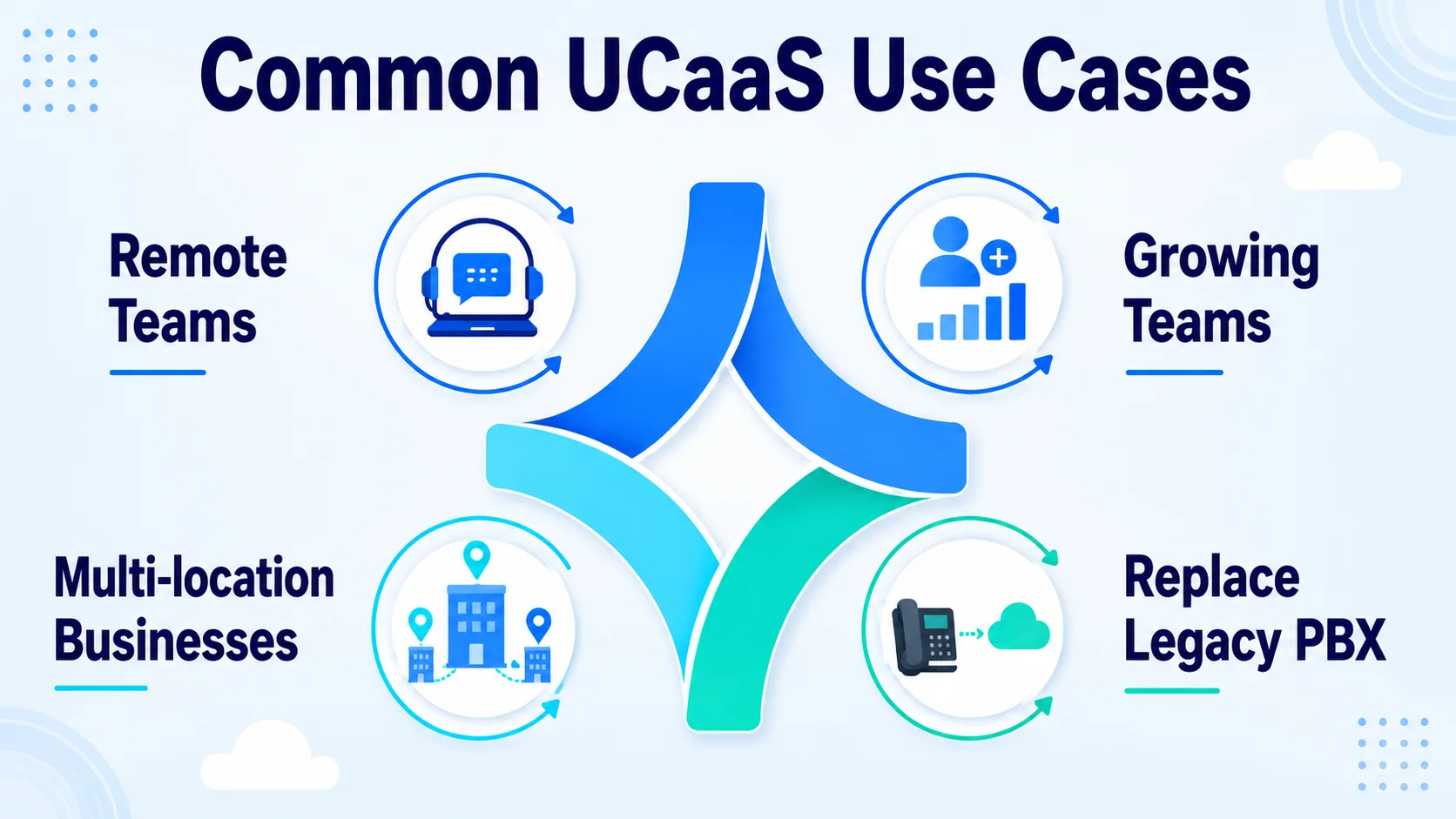
Distributed and remote teams use it so every employee keeps the same business number and access regardless of where they are working from that day. Multi-location businesses use it to give every branch a consistent phone system and directory without managing separate hardware at each site.
Growing businesses use it because adding a new hire is a matter of assigning a login rather than ordering and installing new equipment. Companies replacing an aging on-premise PBX use it to avoid a costly hardware refresh, moving straight to a cloud system that keeps improving without new purchases.
In each case, the appeal is the same: one system that scales with the business instead of holding it back.
What to Look for in a UCaaS Provider
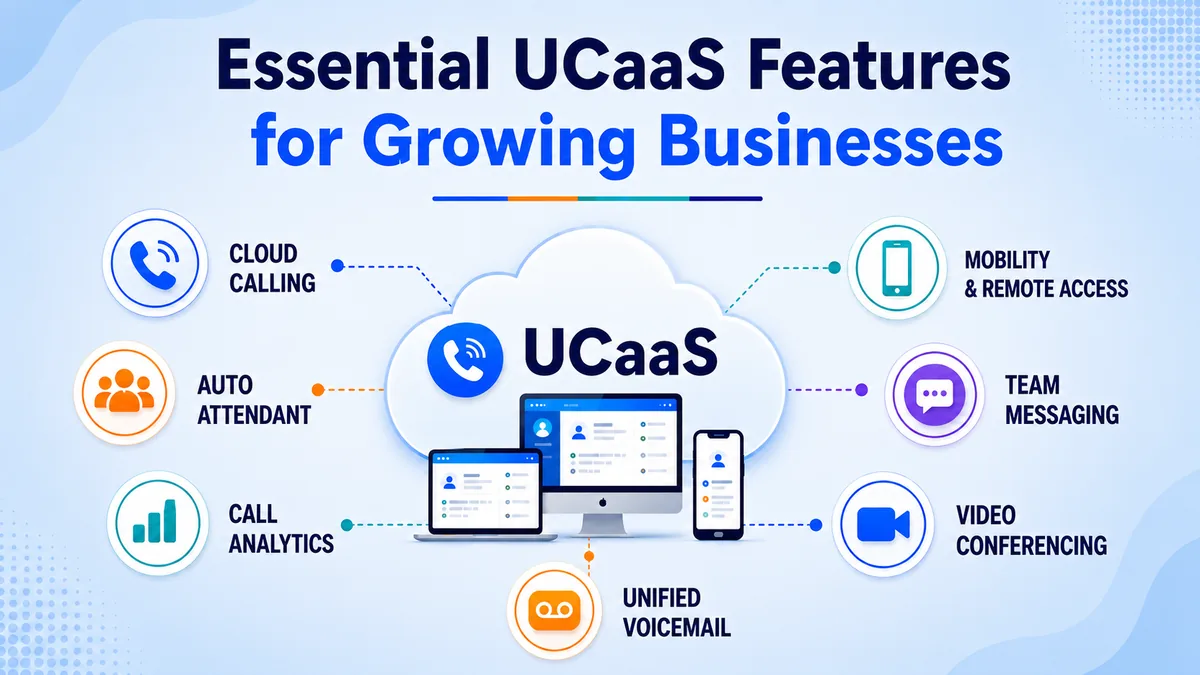
Not every UCaaS platform is built the same way, so a few things are worth checking before choosing one — see this breakdown of essential UCaaS features for a fuller list. Reliability should come first, since a communications platform that goes down costs a business calls and customer trust immediately.
Integration with the tools you already use, such as a CRM, calendar, or helpdesk, saves time and keeps customer information in one place. Ease of use matters for adoption, since a platform that is confusing to set up often gets used poorly by a team regardless of its features.
Finally, check how pricing scales as you add users or locations, since some providers keep costs predictable while others add fees quickly as a business grows.
How Much Does UCaaS Cost in 2026?
UCaaS is priced per user per month on a subscription model, with most providers offering two or three tiers. Higher tiers unlock advanced AI features, analytics, and contact center add-ons. Here is how typical pricing compares across the major platforms.
| Provider | Entry Price | Mid Tier | What's Included |
|---|---|---|---|
| TKOS | $7.99 / user / mo | $14.99 / user / mo | Voice, video, chat, AI receptionist, 99.9% SLA |
| RingCentral RingEX | ~$20 / user / mo | ~$25 / user / mo | Voice, video, chat, app marketplace |
| Nextiva | ~$18 / user / mo | ~$25 / user / mo | Voice, video, built-in CRM tools |
| Dialpad | $15 / user / mo | $25 / user / mo | Voice, video, AI transcription |
| GoTo Connect | Custom pricing | Custom pricing | Voice, video, basic call routing |
Prices above reflect annual billing. Monthly billing typically adds 15—20% to these figures. Enterprise tiers with advanced contact center features, workforce management, and compliance tools carry custom pricing and require a sales conversation. For the fullest picture, see how the platforms compare head to head in our UCaaS and Cloud PBX provider ranking.
Getting Started with TKOS
TKOS brings calling, messaging, and collaboration into one cloud platform, built for businesses that want a single, reliable system instead of several disconnected tools. Getting started takes just a few steps.
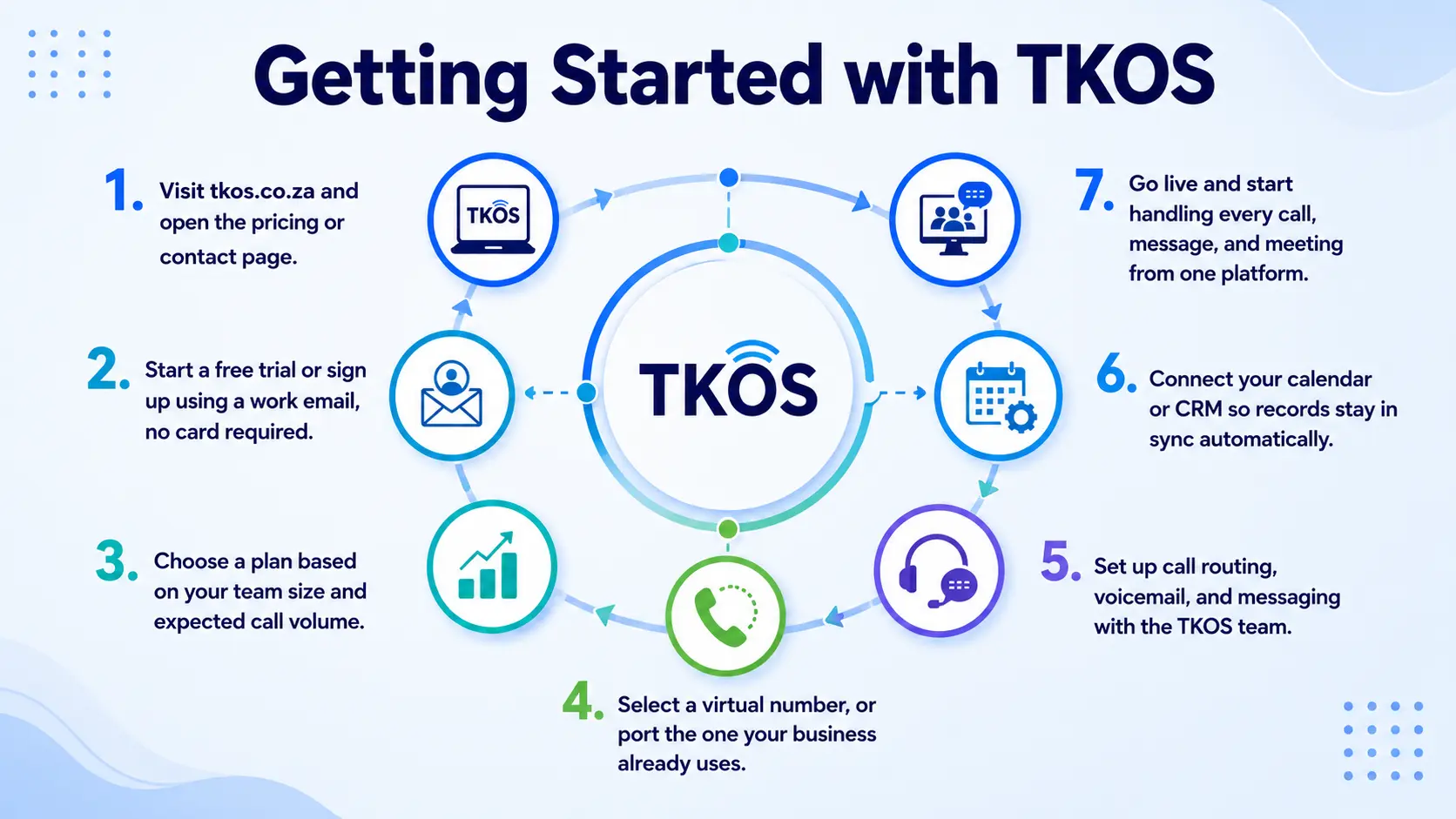
- Visit tkos.co.za and open the pricing or contact page.
- Start a free trial or sign up using a work email, no card required.
- Choose a plan based on your team size and expected call volume.
- Select a virtual number, or port the one your business already uses.
- Set up call routing, voicemail, and messaging with the TKOS team.
- Connect your calendar or CRM so records stay in sync automatically.
- Go live and start handling every call, message, and meeting from one platform.
Conclusion
UCaaS replaces the old habit of managing a phone system, a video tool, and a chat app separately with one cloud platform that handles all three from any device. Understanding how it works, and how it compares to a traditional PBX and to related tools like CCaaS and CPaaS, makes it much easier to see where it actually fits your business.
For most modern businesses, the decision comes down to cost, flexibility for remote teams, and the simplicity of managing one system instead of several. If your team is still switching between disconnected tools every day, that is usually the clearest sign it is time to make the move.