Introduction
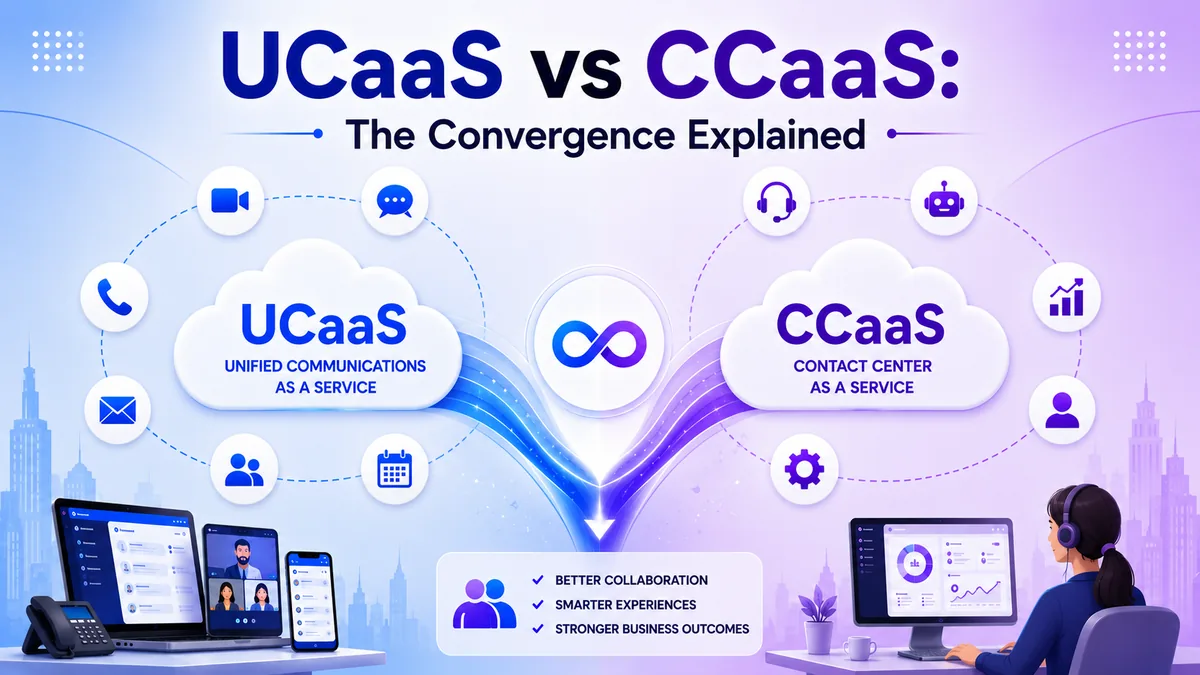
UCaaS and CCaaS started as two separate categories built for two separate audiences, one for employees talking to each other, the other for agents talking to customers. For years, most businesses ran them as entirely different systems with different logins, different vendors, and no shared view between them.
That separation is breaking down. This guide explains what UCaaS and CCaaS each do, why businesses are converging the two onto a single platform, and what that convergence actually changes for employees, agents, and customers. You will finish understanding whether your business still needs two separate systems.
What Is UCaaS?
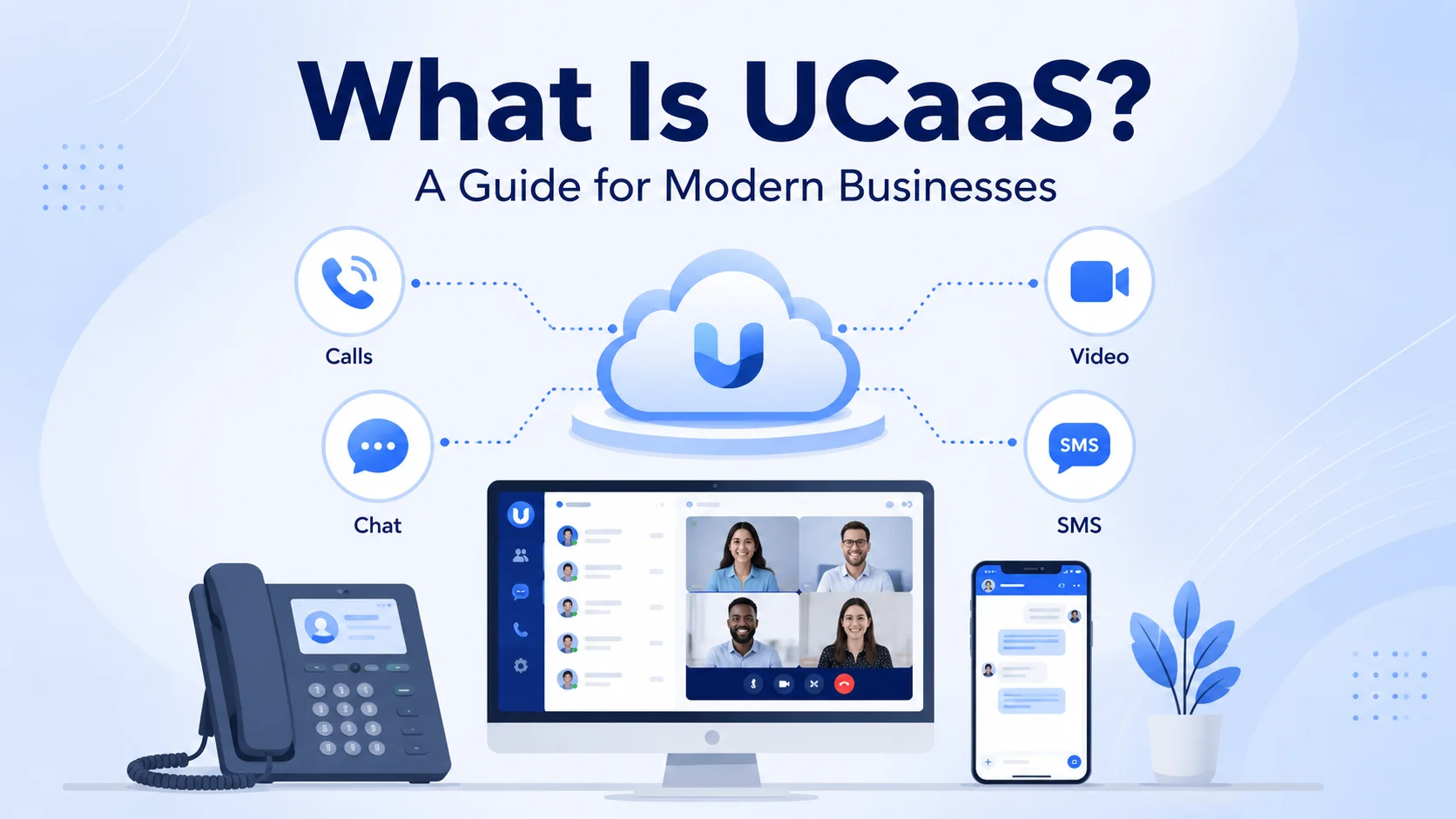
UCaaS, or Unified Communications as a Service, is a cloud platform built for internal communication and collaboration. It combines calling, video conferencing, team messaging, and presence status into one system so employees can reach each other however suits the moment.
UCaaS is typically owned and managed by an IT department, and its purpose is straightforward: help employees collaborate efficiently, whether they sit in the same office or work from different cities.
A sales rep checking a colleague's availability before a call, a manager joining a video huddle from a different city, and a support engineer messaging a teammate about a bug all lean on the same UCaaS layer, even though none of those moments involve a customer.
What Is CCaaS?
CCaaS, or Contact Center as a Service, is a cloud platform built specifically for managing customer interactions across channels like voice, email, chat, SMS, and social media.
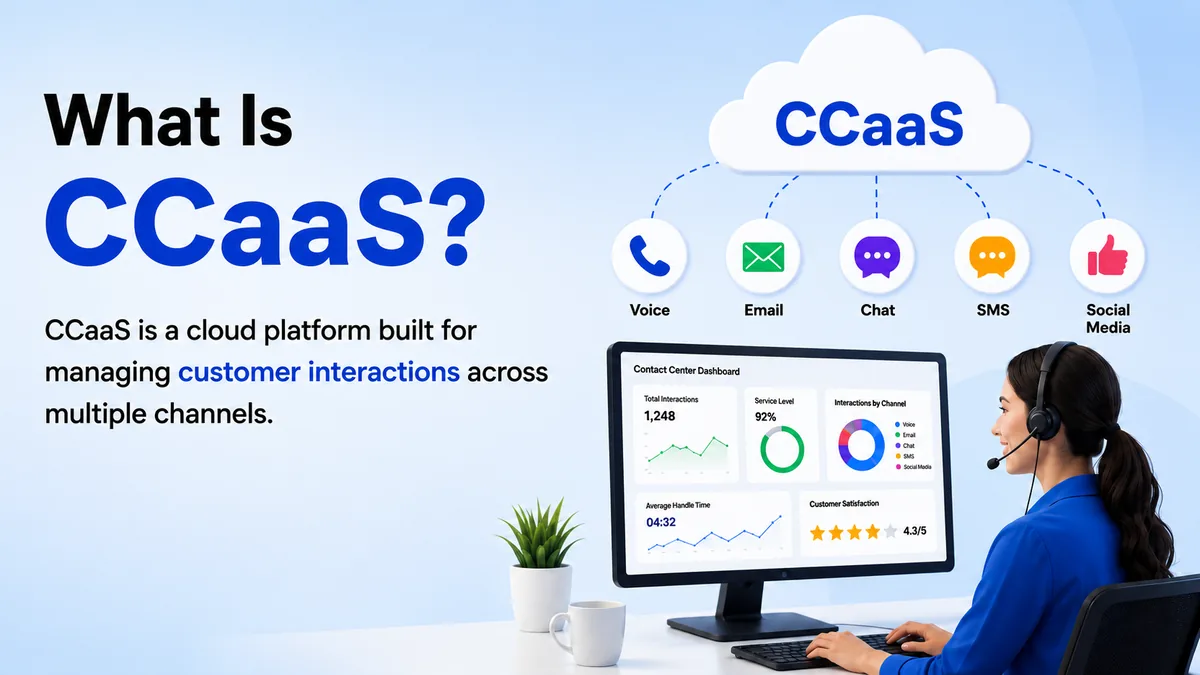
Where UCaaS focuses on employees talking to each other, CCaaS focuses on agents talking to customers, and it includes tools built for that job: interactive voice response, skill-based routing, call queuing, customer authentication, and detailed analytics on how well a support or sales team is performing. Purpose-built CCaaS vendors such as Five9 go deep on this layer, adding advanced workforce management and AI-driven routing on top of the core voice stack.
CCaaS is typically owned by service and sales leaders rather than IT, since its core purpose is customer experience and outcomes rather than internal collaboration.
A retail support line juggling phone calls during the day and a spike in chat messages during a sale event both run through the same CCaaS layer, with queuing and routing rules deciding which agent picks up which conversation and in what order.
| Feature | UCaaS | CCaaS |
|---|---|---|
| Primary purpose | Internal team collaboration | Customer-facing interactions |
| Primary users | All employees | Support & sales agents |
| Key tools | Calling, video, messaging, presence | IVR, queuing, routing, agent analytics |
| Channel focus | Internal voice, video & chat | Voice, email, chat, SMS, social |
| Analytics | Collaboration & usage metrics | Queue performance, CSAT, handle time |
| Owned by | IT department | Service & sales leaders |
| Typical pricing | Lower per-seat cost | Higher per-seat cost |
| Best for | Distributed teams & internal comms | High-volume customer support & sales |
Where Each Falls Short on Its Own
Understanding the gaps in each platform on its own is the clearest way to see why convergence is appealing — and to judge whether your business has actually hit those limits yet.
UCaaS Without CCaaS
UCaaS handles internal communication well but lacks the tools customer-facing teams actually need. There is no IVR to greet and route inbound callers, no skills-based routing to match a customer with the right agent, and no call queuing with estimated wait times. Agent performance metrics like first-call resolution, average handle time, and CSAT scores are not built in. Customer history across channels — a previous chat, an earlier support call, an open ticket — is invisible to someone answering the phone. For a small team taking occasional calls, none of this matters. For any operation fielding a meaningful volume of customer contacts daily, these are real operational gaps.
CCaaS Without UCaaS
CCaaS is purpose-built for agents talking to customers but leaves a gap when those agents need to talk to each other or to the rest of the business. There is no shared presence so an agent cannot see at a glance whether a finance colleague or a technical specialist is available. Internal messaging and video are absent or sit in a completely separate tool with a separate login. Agents handling an escalation have no fast path to pull in internal expertise — they must leave the contact center interface, find the right person through a different system, and relay context manually. That friction is exactly what drives hold times up and customer satisfaction scores down.
Why UCaaS and CCaaS Are Converging
The line between employee communication and customer communication has been getting blurrier for a simple reason: a customer conversation rarely stays contained to a contact center alone.
An agent handling a customer call often needs to check with a specialist in another department, a manager, or a colleague with more context, and doing that through a separate system wastes time and frustrates the customer waiting on hold. Managing two entirely separate platforms also means separate contracts, integrations, and security policies, all of which add real operational overhead.
That overhead is part of why the CCaaS market itself is moving fast, projected to grow from $8.33 billion in 2026 to $29.9 billion by 2034, and much of that growth is tied to platforms that unify rather than bolt on.
What Convergence Actually Changes
Bringing UCaaS and CCaaS onto one platform is not just a technical tidying-up exercise; it changes how a customer interaction actually plays out.
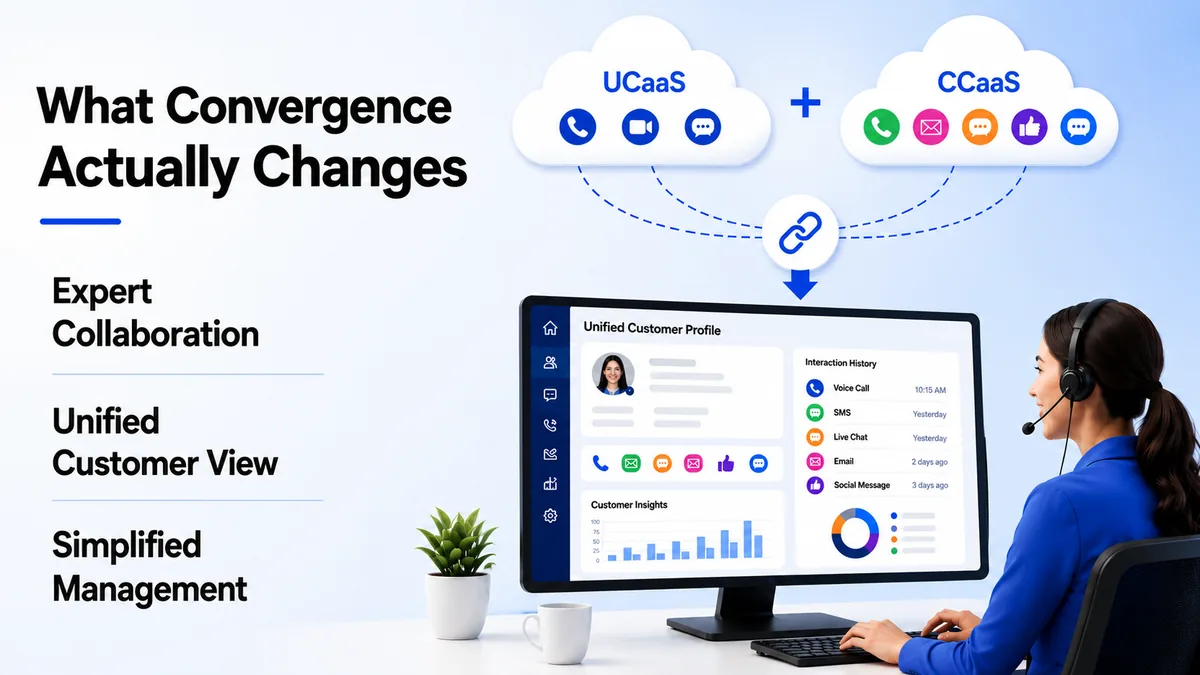
Agents gain instant visibility into which internal experts are available and can reach them directly, with context, instead of hunting through a separate directory or an unrelated messaging tool. Customer profiles become unified too, so an agent sees every previous interaction, a call, an SMS, a chat, a social message, in one place rather than piecing it together across systems.
Administration gets simpler as well, since IT and contact center leaders manage one platform instead of coordinating updates and permissions across two, freeing up time that used to go into keeping two systems in sync.
Reporting improves for the same reason. A single dashboard covering both internal collaboration metrics and customer-facing queue performance replaces two separate reporting tools that rarely agreed on definitions like average handle time or agent utilization in the first place.
The Real Benefit for Customers
All of this ultimately shows up in the customer experience, which is where a converged platform earns its value.
A customer who calls, chats, then calls back later does not have to explain their situation from scratch each time, because the agent already has the full history in front of them. Faster access to internal experts also means fewer transfers and shorter hold times, since an agent can pull in help immediately instead of putting the customer on hold to go find someone.
Businesses using a unified stack consistently report meaningful productivity gains over running the two systems separately, largely because agents spend less time switching tools and more time actually resolving the customer's request.
New agents also ramp up faster on a converged platform, since there is only one interface to learn instead of two, and the internal directory they need to reach a colleague sits in the same place as the queue they are already working from every day.
A Practical Example
Picture a mid-sized retailer running customer support on a CCaaS platform and the rest of the business on a separate UCaaS system. A customer calls in with a billing question the agent cannot fully answer, so the agent has to message the finance team through a completely different tool, wait for a reply, and put the customer on hold in the meantime.
Now picture the same retailer after converging both platforms. The same agent sees that a finance team member is available right inside the same interface used for the call, sends a message with full context attached, and gets an answer back in under a minute, all while the customer stays on the line without ever noticing a delay.
Common Concerns About Converging Platforms
A few concerns come up consistently when businesses consider bringing UCaaS and CCaaS together, and most have straightforward answers.
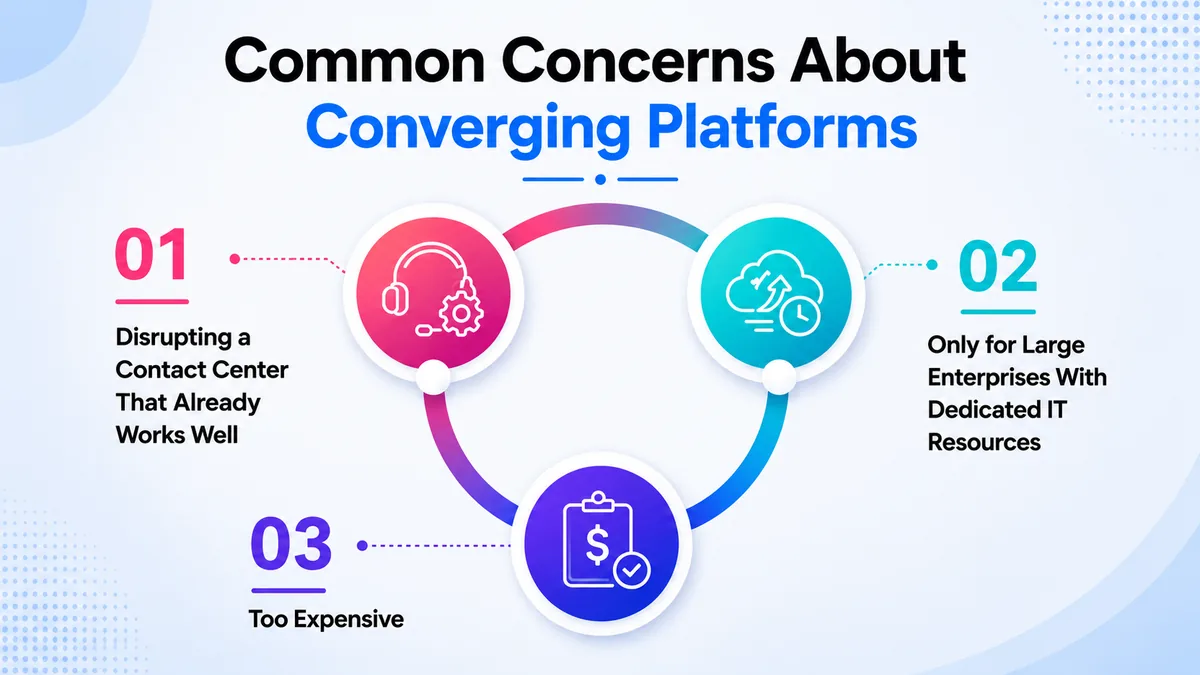
Some worry that converging platforms means disrupting a contact center that already works well, but a well-planned migration typically preserves existing routing rules, scripts, and agent workflows rather than rebuilding them from scratch.
Others assume convergence is only realistic for large enterprises with dedicated IT resources, when cloud-native platforms are usually designed to deploy far faster than the legacy systems they replace, with far less specialized setup required on either the IT or contact center side.
A third concern is cost, but businesses typically find that consolidating vendors, contracts, and support relationships offsets much of the price of the unified platform, especially once the productivity gains from fewer tool switches are factored in across a full support team.
Do You Still Need Two Separate Systems?
Not every business needs to converge immediately, and the right answer depends on how much overlap actually exists between internal and customer-facing communication.
A business with a small support team and minimal need for agents to reach other departments may not feel much pain running separate systems yet. But as customer interactions increasingly require pulling in outside expertise, or as the cost of managing multiple vendors adds up, convergence becomes the more practical option.
The clearest sign it is time to converge is when agents are regularly stuck on hold themselves, trying to reach someone outside the contact center to answer a customer's question.
Getting Started with TKOS
TKOS brings unified communications and contact center capabilities together on one platform, so your team and your customer-facing agents are never working from separate, disconnected systems. Getting started takes just a few steps.
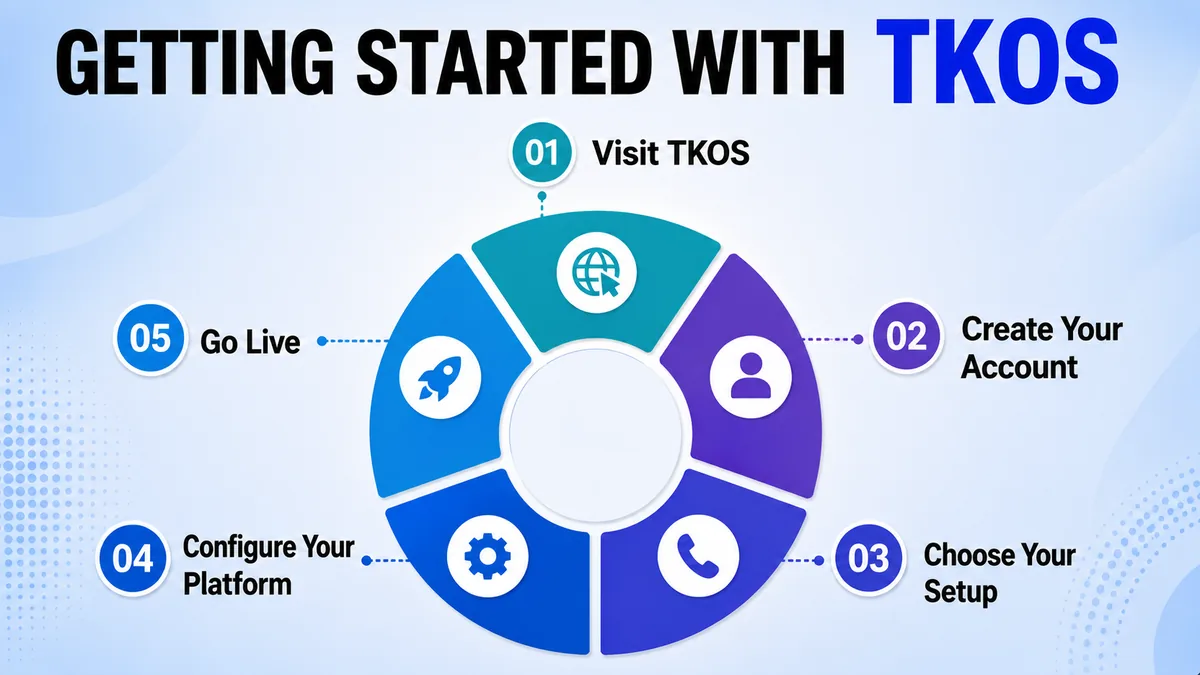
- 1. Visit tkos.co.za and open the pricing or contact page.
- 2. Get a Demo or sign up using a work email, no card required.
- 3. Choose a plan that covers both internal communication and contact center needs.
- 4. Select a virtual number, or connect the one your business already uses.
- 5. Set up call routing, presence sharing, and agent-to-expert messaging with the TKOS team.
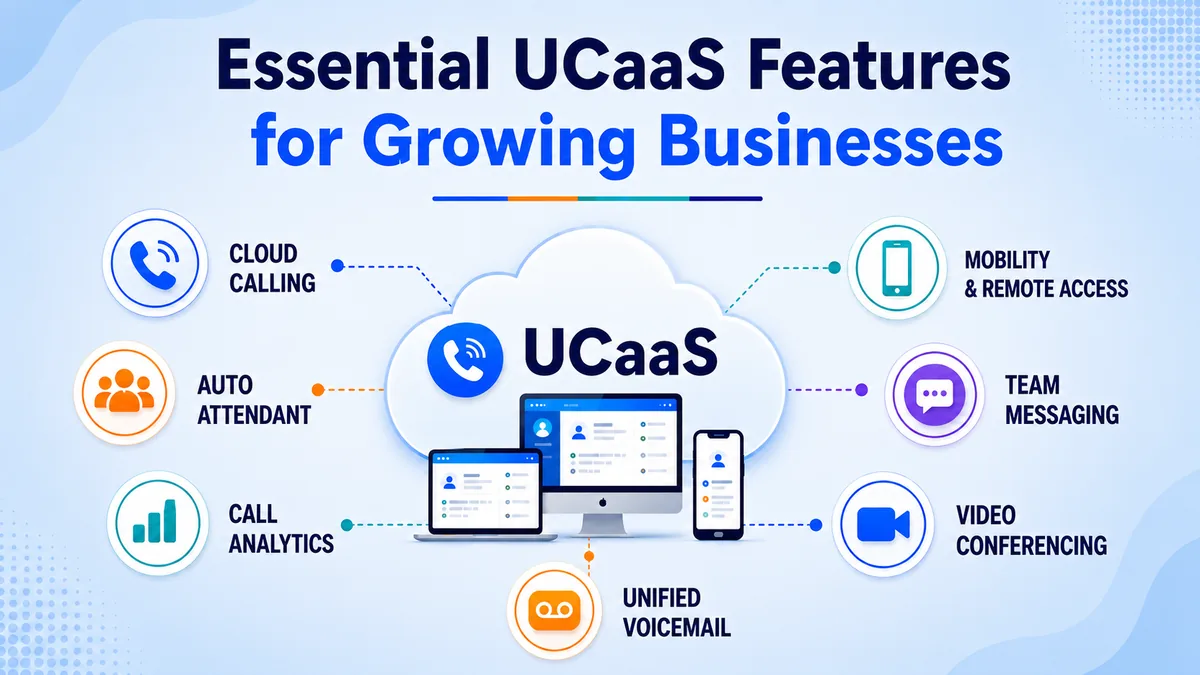
- 6. Connect your CRM or helpdesk so customer profiles stay unified across every channel, drawing on the same essential UCaaS features that matter for a growing team.
- 7. Go live with one platform instead of coordinating two separate systems.
Conclusion
UCaaS and CCaaS started as separate tools for separate audiences, but the convergence between them reflects a simple reality: customer conversations and internal collaboration are far more connected than the old, siloed systems assumed. Bringing both onto one platform cuts hold times, simplifies administration, and gives agents the full context they need to resolve a request the first time.
Businesses still running the two separately are not necessarily doing anything wrong, but the gap widens every time an agent gets stuck waiting to reach someone outside the contact center. Understanding what each platform is built for, and where the overlap between them lies, makes the decision to converge, or not, a much clearer one.
Popular international calling destinations