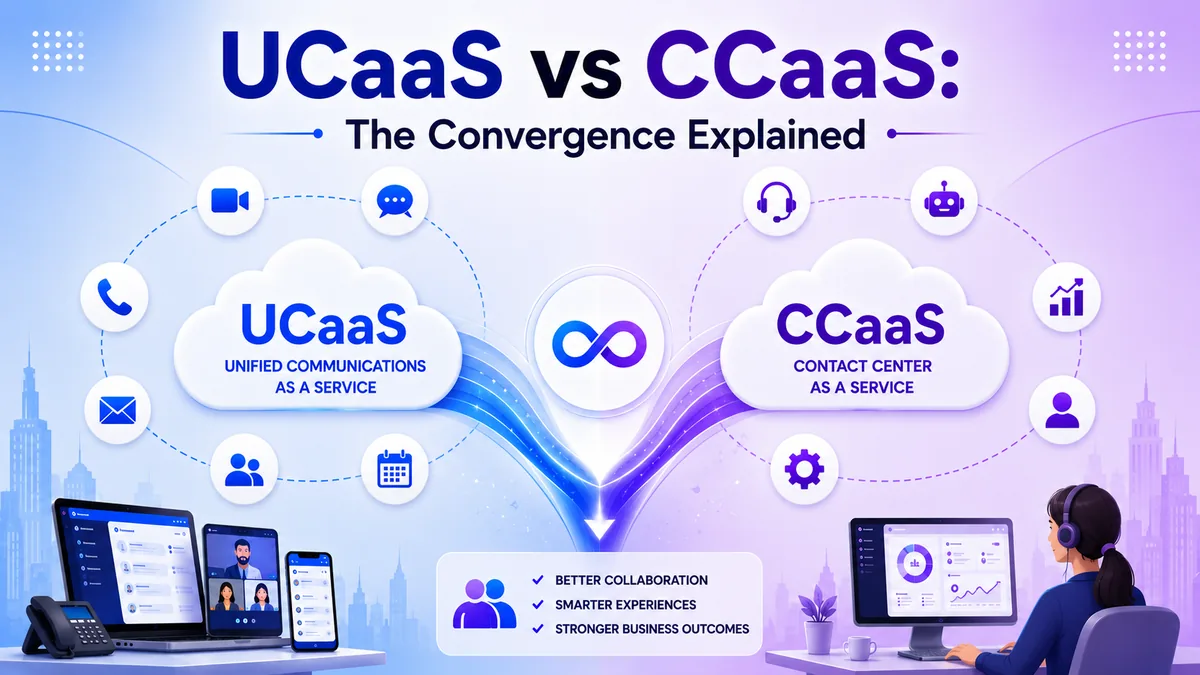
Introduction
A growing business outgrows its phone system faster than almost any other tool, and the wrong UCaaS features can quietly limit that growth before anyone notices why hiring feels harder or calls keep getting missed. The right feature set does the opposite, letting a business add people, open locations, and support remote hires without rebuilding its communication setup each time it reaches the next stage.
This guide walks through the UCaaS features that matter most for growing businesses, organized by what they actually solve rather than a long, undifferentiated list. You will finish knowing exactly which features to prioritize and which ones are just nice extras, so the next platform decision is based on what the business actually needs rather than a vendor's longest feature list.
Core Calling Features Every Growing Business Needs
These features form the baseline of a working UCaaS phone system, and a growing business should not compromise on any of them. An auto attendant answers incoming calls automatically and routes them to the right department or person, replacing the need for a live receptionist to handle every single call.
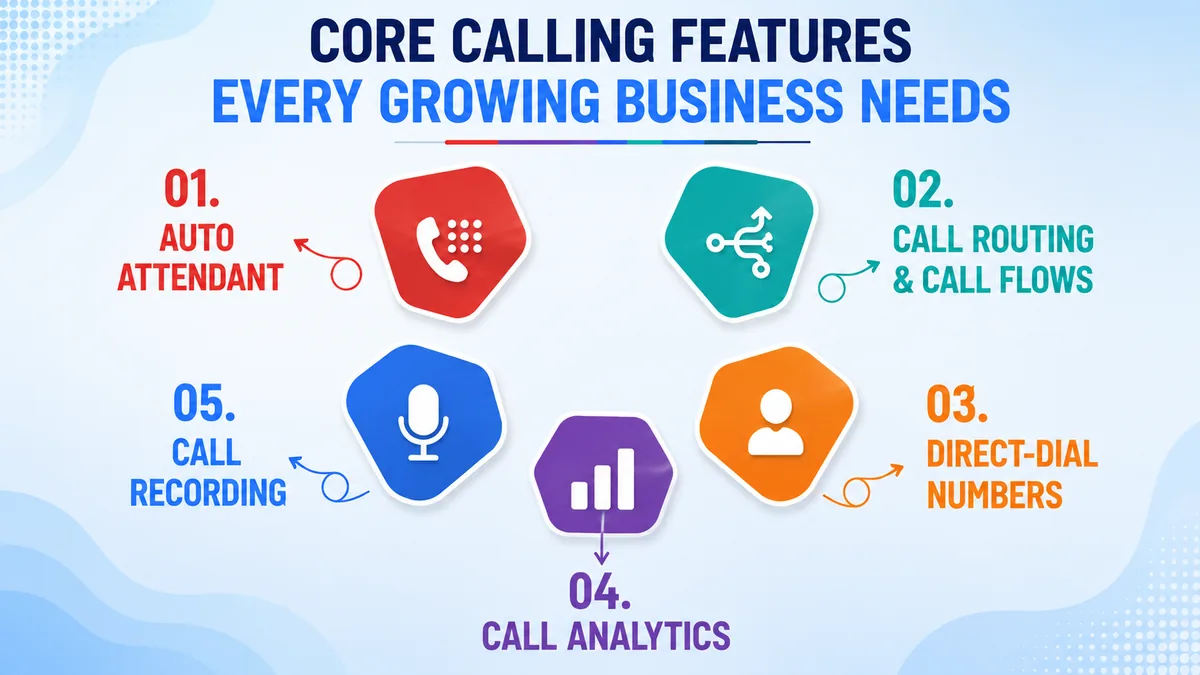
Call routing and call flows let a business control exactly how calls move once they arrive, directing them by time of day, department, or caller input. Direct-dial numbers let outside callers reach a specific employee without going through a menu first, which matters as headcount grows and more people need a direct line.
Call analytics turn raw call logs into usable trends, showing call volume, wait times, and missed-call patterns instead of leaving a business to guess. Many platforms now add AI features like automatic transcription on top of that data. Call recording adds a layer of accountability and training value, letting teams review conversations after the fact rather than relying on memory.
Features That Support Mobility and Remote Teams
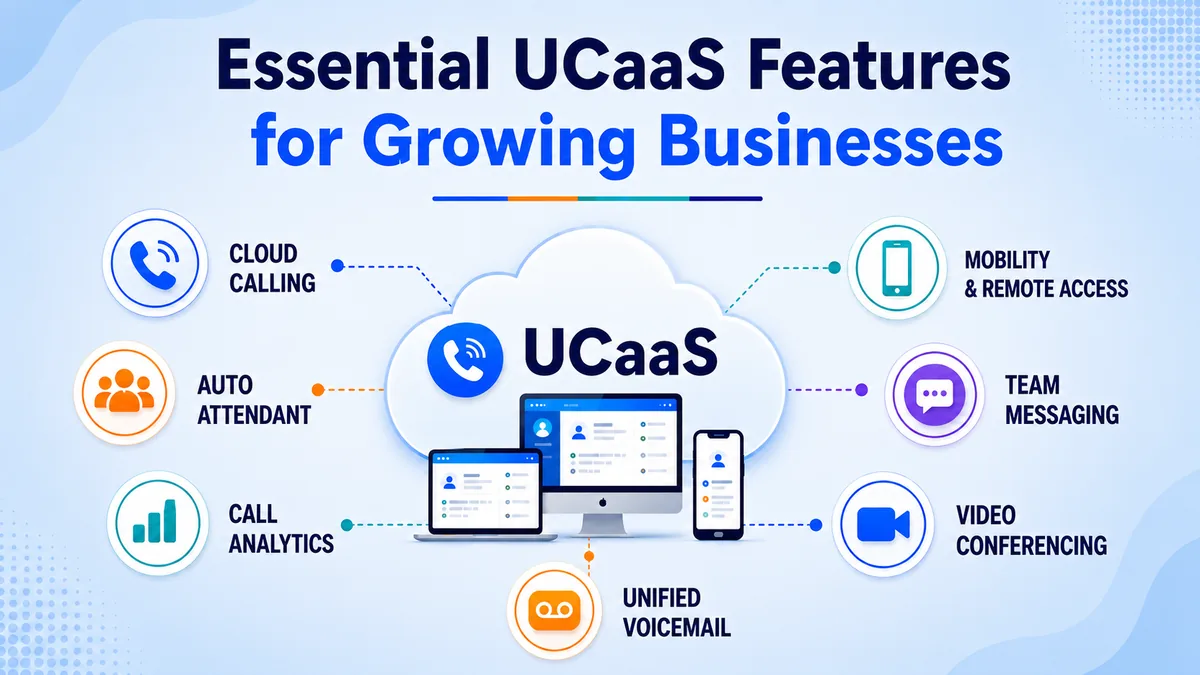
As a business grows past a single office, mobility features stop being a nice-to-have and start being the reason the system works at all. A mobile app lets employees make and receive business calls from a personal or company smartphone, keeping the same business number active wherever they are.
A desktop app mirrors that flexibility for anyone working primarily from a laptop, letting calls, transfers, and voicemail all run through one interface without a physical desk phone.
Because the whole system runs on a cloud PBX rather than on-site hardware, a business can open a new location or hire someone in another city without installing anything beyond an internet connection.
That matters most in the exact moment a growing business used to dread: a new hire starting before the office phone system has caught up. With a cloud PBX, that new hire is taking calls on day one instead of waiting on a hardware order.
Collaboration Features That Reduce App Sprawl
Growing businesses often end up juggling a phone system, a separate video tool, and a chat app that do not talk to each other, and that sprawl gets worse with every new hire.
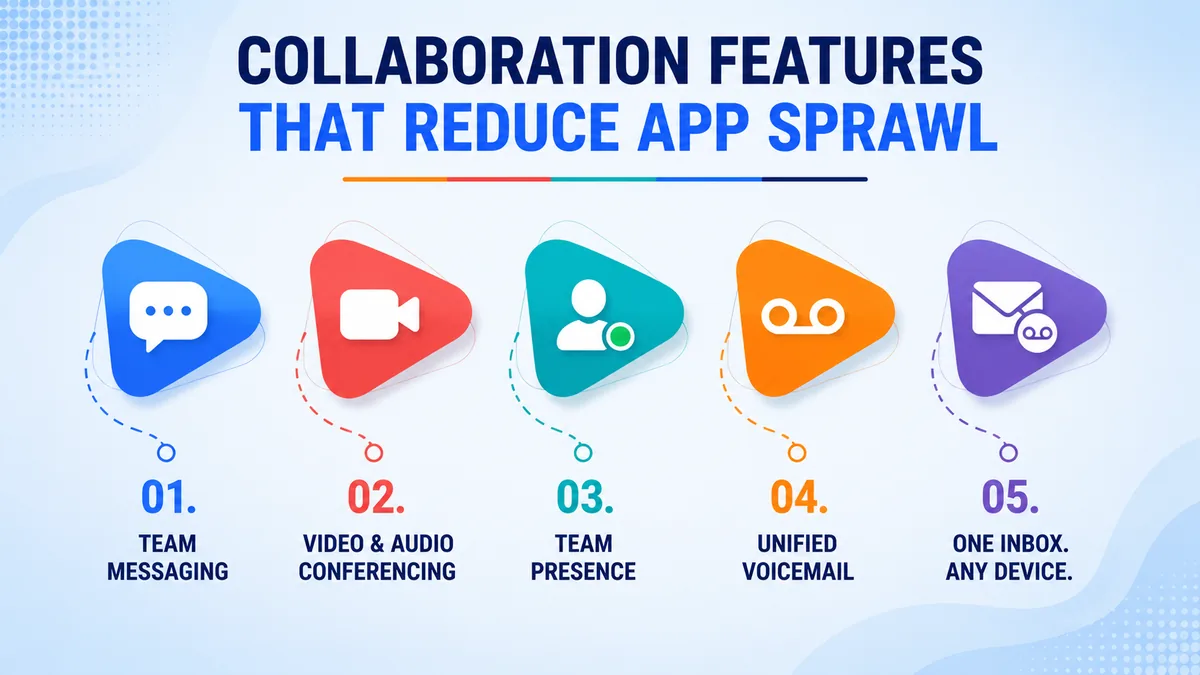
Team messaging keeps ongoing conversations organized in one place instead of scattered across email threads and separate chat apps. Video and audio conferencing let a distributed team meet without needing a completely different tool from the one they use for calls — the kind of seamless collaboration that keeps growing teams from fragmenting across five different apps.
Team presence shows whether a colleague is available, on a call, or in a meeting, cutting down on the interruptions that come from guessing. Unified voicemail brings every message into a single inbox accessible from any device, so nothing gets missed just because someone was away from their desk phone.
Integration and Customer Experience Features
As call volume grows, disconnected tools start costing real time, which is where integrations and customer-facing features earn their place on the list. CRM integration ties call and message history directly to customer records, so a team member picking up a call already has context instead of starting from scratch.
Screen pop displays caller information the moment a call comes in, cutting down the time spent asking a customer to repeat themselves. This is the same territory where UCaaS and CCaaS start to converge once support and sales teams need it too.
Omnichannel support connects phone, chat, and messaging into one thread per customer, so a conversation that starts on the phone and continues over chat does not lose its history in between. This kind of multichannel engagement matters less for a five-person team but becomes essential once a growing business is fielding a meaningful volume of customer calls every day.
The tipping point is usually less about headcount and more about call volume: once a team is fielding enough daily calls that nobody can remember every customer by name, the manual version of this — sticky notes, a shared spreadsheet, someone's memory — quietly stops working.
Security Features That Matter as You Scale
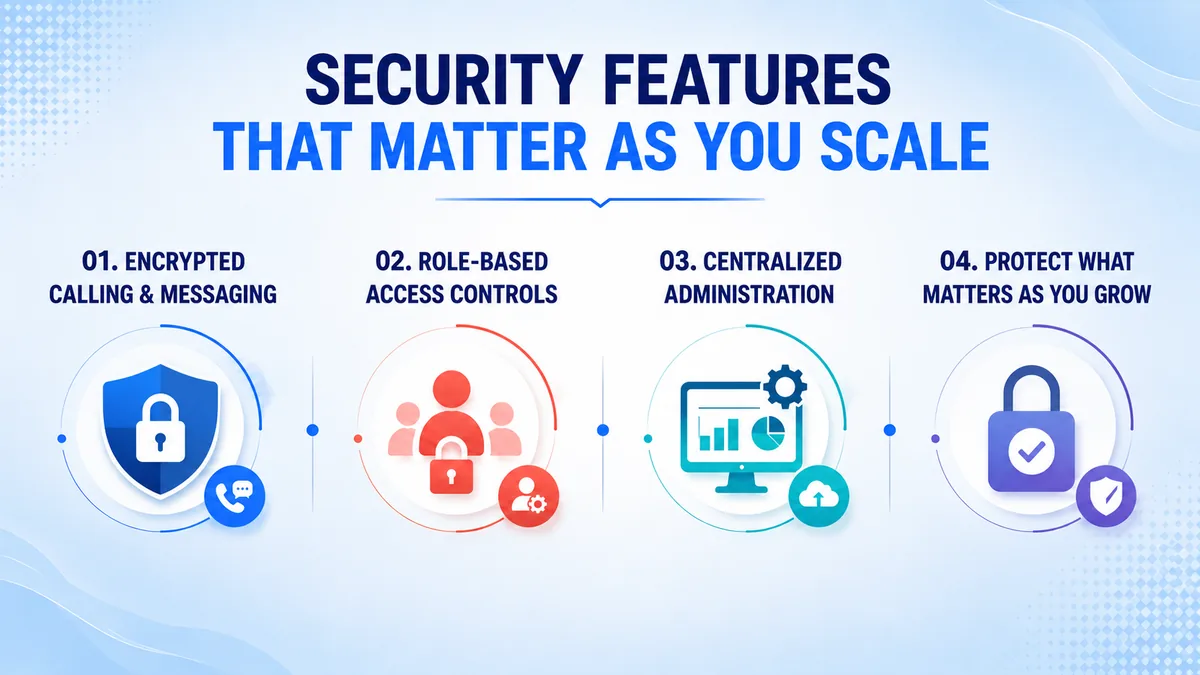
Security often gets overlooked in a features list until a growing business has enough employees and call volume to make it a real risk. Encrypted calling and messaging protect conversations from interception as more people access the system from more locations and devices. Role-based access controls let administrators decide who can view call recordings, change routing rules, or add new users.
Centralized administration through one management portal makes it possible to update permissions, add numbers, or adjust call flows across the whole business from a single place, rather than configuring each office or device separately. As headcount grows, these controls stop being a formality and start being what keeps sensitive customer and business conversations properly protected.
Why Scalability Matters More Than Any Single Feature
A long feature list looks impressive on a pricing page, but the feature that matters most for a growing business is how easily the platform scales. Adding or removing a user should take minutes, not a hardware order or a support ticket that takes days to resolve.
A platform built for scale also handles testing a new market through a virtual number before committing to a physical office there, letting a business expand cautiously instead of all at once.
Automatic updates matter here too, since a growing business rarely has the spare IT capacity to manage manual upgrades on top of everything else changing. A platform that scales smoothly removes one more obstacle standing between a business and its next stage of growth.
A Practical Example of Feature Needs Changing Over Time
Consider a business that starts with five employees in one office, using basic calling and little else. As it grows to twenty people across two locations, an auto attendant and call routing become necessary just to keep calls organized. Once remote hires join the team, mobile and desktop apps stop being optional, since some employees no longer have a desk phone at all.
By the time the business is fielding a steady volume of customer calls, CRM integration and call analytics start paying for themselves in time saved. None of this requires switching providers if the platform was built to scale from the start, only turning on features as they become necessary.
How to Prioritize Features as You Choose a Provider
Not every growing business needs all of these features on day one, so prioritizing by actual pain points beats chasing the longest feature list. Start with the core calling features, since a business cannot function without reliable routing, an auto attendant, and clear call analytics. For a side-by-side look at how leading platforms compare, see this ranking of top UCaaS and Cloud PBX providers.
Add mobility features as soon as any part of the team works outside a single office, since that is when a missing mobile app becomes a daily frustration rather than a minor gap.
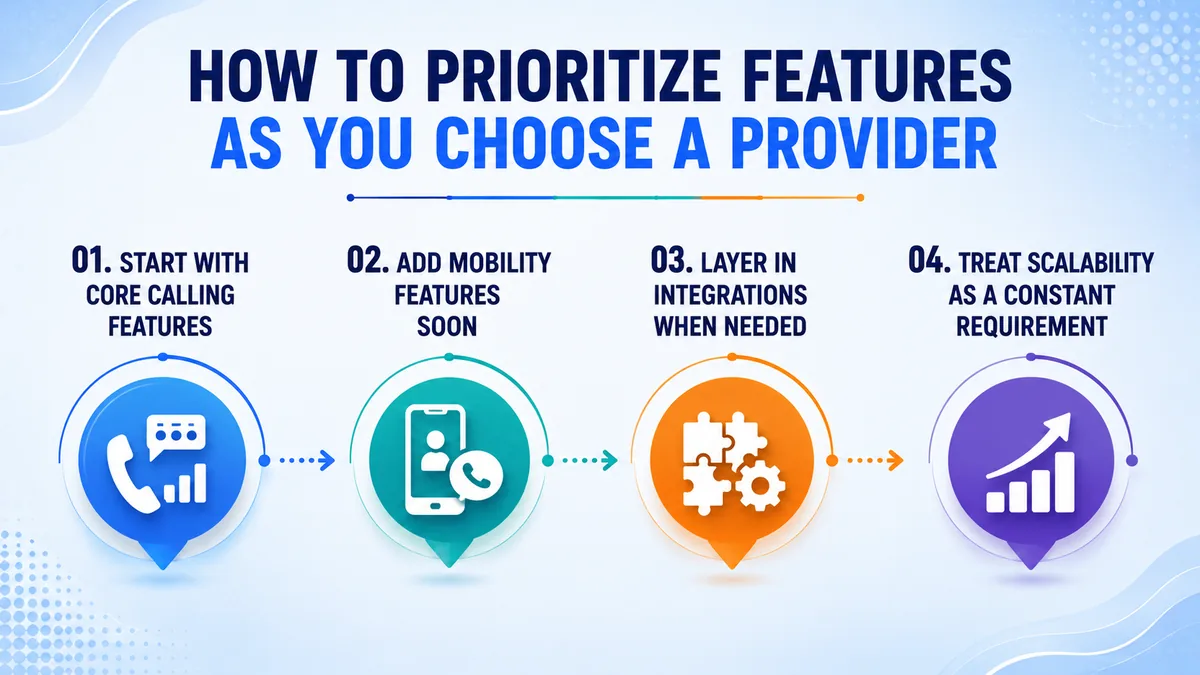
Layer in integrations once call and customer volume are high enough that manual note-taking starts costing noticeable time. Treat scalability as a constant requirement throughout, since a platform that cannot grow with the business will need replacing eventually regardless of how good its current feature set looks.
Getting Started with TKOS
TKOS bundles the core calling, mobility, and collaboration features growing businesses need into one cloud platform, with room to add integrations as call volume increases and security controls that scale alongside headcount. Getting started takes just a few steps.
- 1. Visit tkos.co.za and open the pricing or contact page.
- 2. Start a free trial or sign up using a work email, no card required.
- 3. Choose a plan based on your current team size, with room to add users later.
- 4. Select a virtual number, or port the one your business already uses.
- 5. Set up auto attendants, call routing, and mobile app access with the TKOS team.
- 6. Connect your CRM or helpdesk so customer records stay in sync as you grow.
- 7. Go live and add users as your team expands, without a new hardware order.
Conclusion
The right UCaaS features give a growing business room to add people, open locations, and support remote hires without hitting a wall the phone system cannot handle. Core calling features come first, mobility and collaboration tools follow as the team spreads out, and integrations earn their place once call volume makes manual work too costly.
Above all, scalability is the feature that determines whether a platform still fits a year from now or needs replacing right as growth accelerates. Choosing a UCaaS provider built to grow alongside the business saves a costly system change later, right when a business can least afford the disruption.