Introduction
Most teams are not short on tools, they are drowning in them. The average employee now switches between 35 job-critical applications more than 1,100 times a day, and every one of those switches is a small tax on focus and speed.
UCaaS for seamless collaboration exists to reverse that trend, pulling calls, video, chat, and file sharing into a single platform instead of five logins that never quite talk to each other. This guide breaks down what seamless collaboration actually looks like once a team moves to UCaaS, the features that make it possible, and why remote and hybrid teams benefit the most.
What Does Seamless Collaboration With UCaaS Actually Mean?
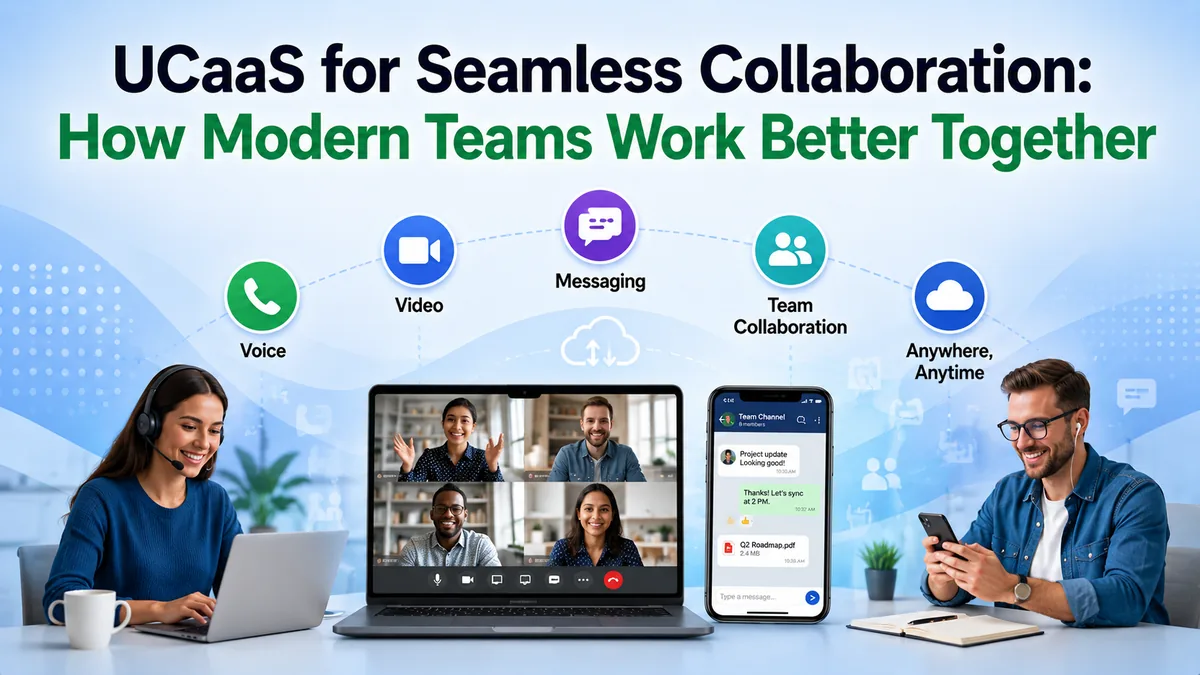
UCaaS for seamless collaboration means voice calls, video meetings, team messaging, presence status, and file sharing all run inside one platform instead of being stitched together from separate vendors. Instead of opening a phone system for calls, a different app for chat, and a third tool for video, an employee sees everything, and everyone's availability, in one place.
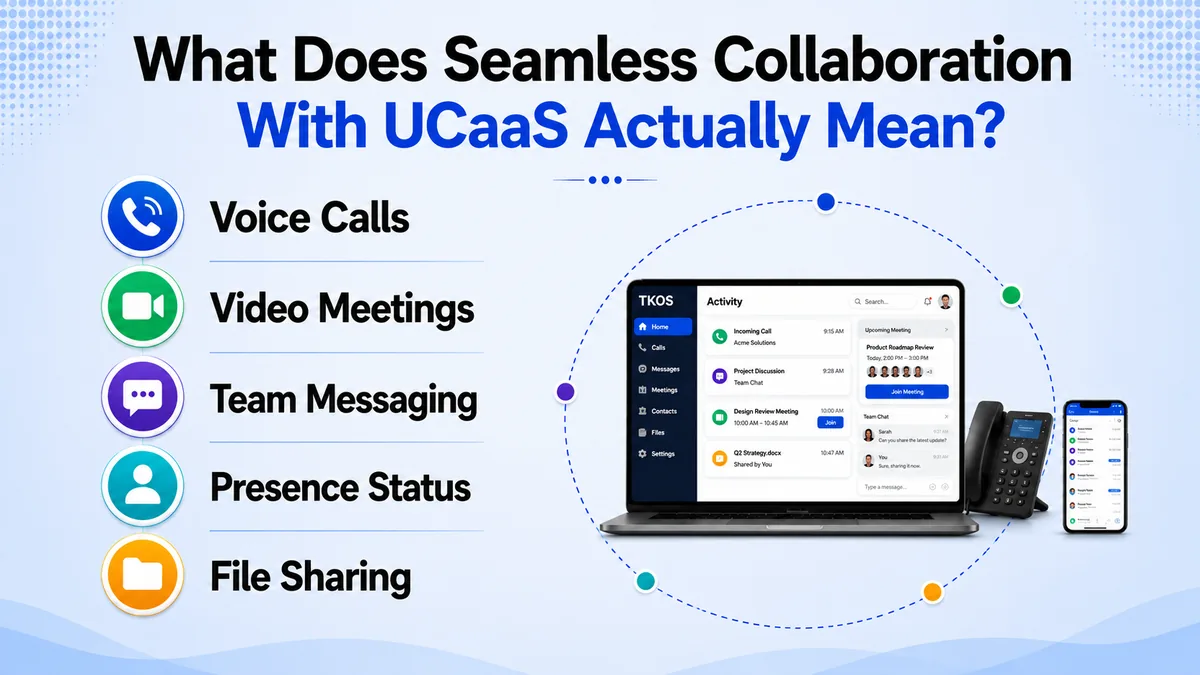
TKOS builds this into its UCaaS platform directly: a call, a chat thread, and a scheduled video meeting with the same customer or colleague all sit on one shared timeline, so nobody has to dig through three tools to reconstruct what already happened.
Team collaboration tools that live outside this kind of unified system tend to create exactly the blind spots UCaaS is meant to solve, where one department has context a neighboring team never sees. A support agent, for instance, might have no idea sales already promised a customer a callback that morning.
The difference shows up fastest during handoffs. A sales rep on a call can loop in a colleague over chat mid-conversation, share a document without switching windows, and escalate to a quick video huddle if the deal needs a real-time decision, all without leaving the same interface.
That same shared timeline carries over to support and account management too. A renewal conversation that started as a call six weeks ago, continued over chat, and wrapped up on a video call all reads as one continuous thread instead of three unrelated interactions someone has to piece back together.
The Real Cost of a Fragmented Tool Stack
Tool sprawl is not a minor inconvenience, it is measurable lost output. Beyond the 1,100 daily app switches, employees also perform an average of 134 copy-and-paste actions and roughly 845 keyboard actions a day just moving information between disconnected systems. Only 28% of active work time happens inside the structured applications actually built for the task at hand.
Every one of those switches carries a hidden cost: a missed message in a tool someone forgot to check, a customer detail that lives in chat but not in the call notes, a video meeting scheduled through a calendar link that never synced with the phone system. Remote team collaboration suffers the most here, since a distributed team cannot lean on shoulder-taps to close the gap fragmented tools create.
New hires absorb this cost hardest of all. Someone joining a team with five disconnected tools spends their first weeks learning logins and workflows instead of doing the job they were hired for, and managers often mistake that ramp-up friction for a slow starter rather than a fragmented stack working against them. The same friction repeats every time someone changes roles or teams internally.
5 Ways UCaaS Powers Seamless Collaboration
Five features do most of the work once a team consolidates onto one UCaaS platform, and each one closes a specific gap that fragmented tools leave open.
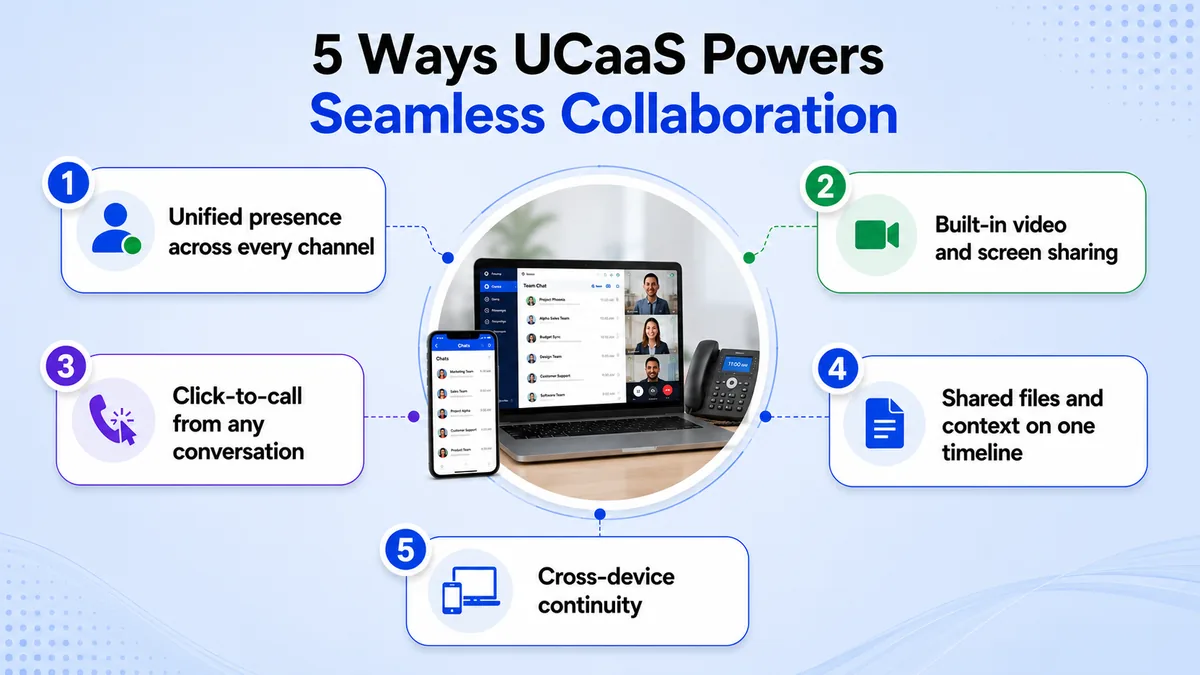
- 1. Unified presence across every channel. Instead of guessing whether a colleague is on a call, in a meeting, or free to chat, unified presence shows real-time status across voice, video, and messaging in one glance.
- 2. Built-in video and screen sharing. Escalating from a chat message or phone call into a video huddle takes one click instead of a separate meeting link, keeping fast decisions fast.
- 3. Click-to-call from any conversation. Team collaboration tools that separate messaging from calling force people to look up numbers and switch apps constantly. UCaaS collapses that into a single click.
- 4. Shared files and context on one timeline. Documents, call notes, and chat history attach to the same customer or project record, so nobody has to ask a colleague to forward something that should already be visible.
- 5. Cross-device continuity. A call or chat started on a desk phone can continue seamlessly on a mobile app, which matters most for remote team collaboration where people are rarely tied to one device all day.
None of these features work in isolation. A support call that escalates to a screen share, gets a follow-up file shared mid-conversation, and continues on a colleague's phone after they step away from their desk touches four of the five in a single interaction.
Why Remote and Hybrid Teams Benefit Most
Remote team collaboration has no fallback option when tools fail to connect people, there is no hallway conversation to patch over a missed message. With 83% of workers now preferring hybrid work, the businesses that win are the ones where a fully remote employee has the exact same access to context, presence, and quick escalation as someone sitting in the office.
Bundled platforms also solve a second problem distributed teams feel acutely: tool fatigue from IT sprawl. Research shows 65% of IT professionals now prefer bundled UCaaS solutions because managing one vendor and one login is dramatically simpler than reconciling permissions, billing, and support across five disconnected apps.
That preference tracks a market moving fast: global UCaaS spend is projected to reach $276.9 billion by 2034, up from $78.15 billion in 2026.
Hiring benefits too, since a fully remote candidate on the other side of the country looks and works exactly like an in-office hire on a unified platform. That parity removes one more reason to limit a talent search to a single city, which matters more every year as competition for skilled roles keeps widening.
Getting Started in 5 Steps
Moving to UCaaS for seamless collaboration works best as a phased rollout rather than a single cutover weekend. Here is a realistic path:
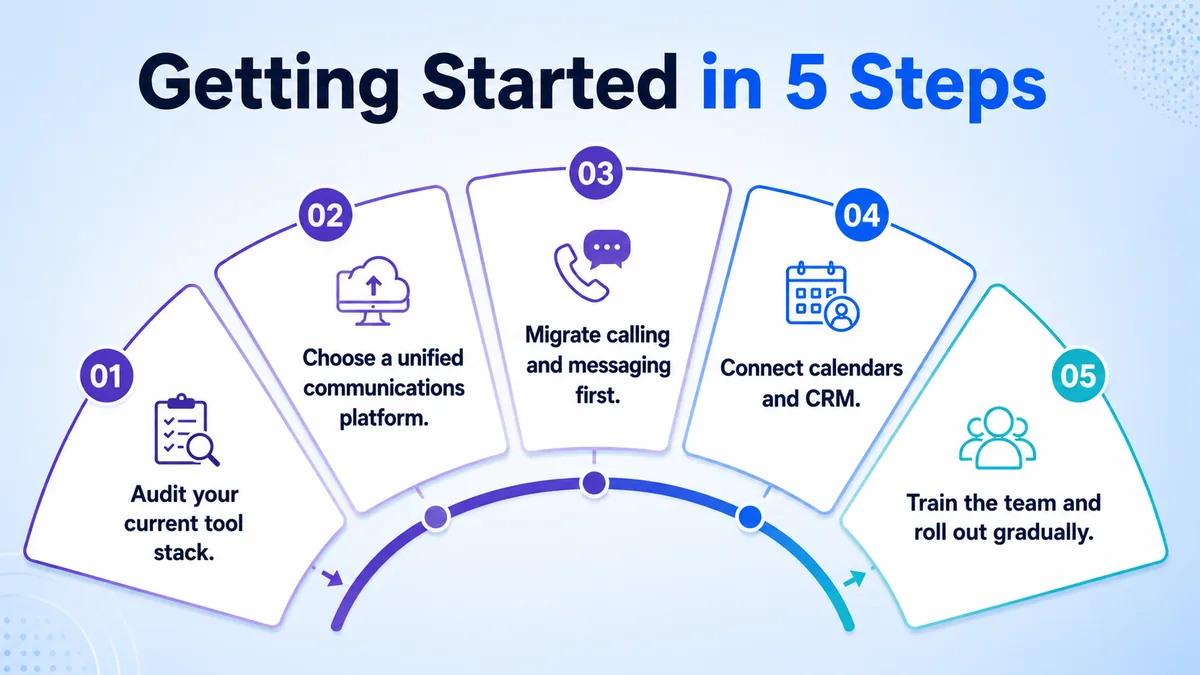
- 1. Audit your current tool stack. List every app the team uses for calls, chat, video, and file sharing, and flag where information currently gets lost between them.
- 2. Choose a unified communications platform. Compare options, including TKOS, and check which essential UCaaS features are included rather than sold as a separate add-on.
- 3. Migrate calling and messaging first. Move phone lines and team chat onto the new platform before touching video, so the highest-friction tools get fixed earliest.
- 4. Connect calendars and CRM. Sync scheduling and customer records so presence, call history, and meeting context stay accurate across the whole team.
- 5. Train the team and roll out gradually. Start with one department, gather feedback, and expand once the workflow is proven rather than switching everyone at once.
Most teams complete steps one and two within the first week, since auditing a tool stack and comparing platforms takes days rather than weeks. The migration itself, steps three and four, is usually the part that benefits most from moving slowly, since rushing a calling cutover is where most rollout complaints originate.
Common Mistakes When Rolling Out UCaaS for Collaboration
The most common mistake is switching every channel at once. Teams that migrate calls, chat, and video in the same week often see a temporary productivity dip simply because nobody has time to learn three new workflows simultaneously. A staged rollout, starting with the highest-friction tool, avoids that dip almost entirely.
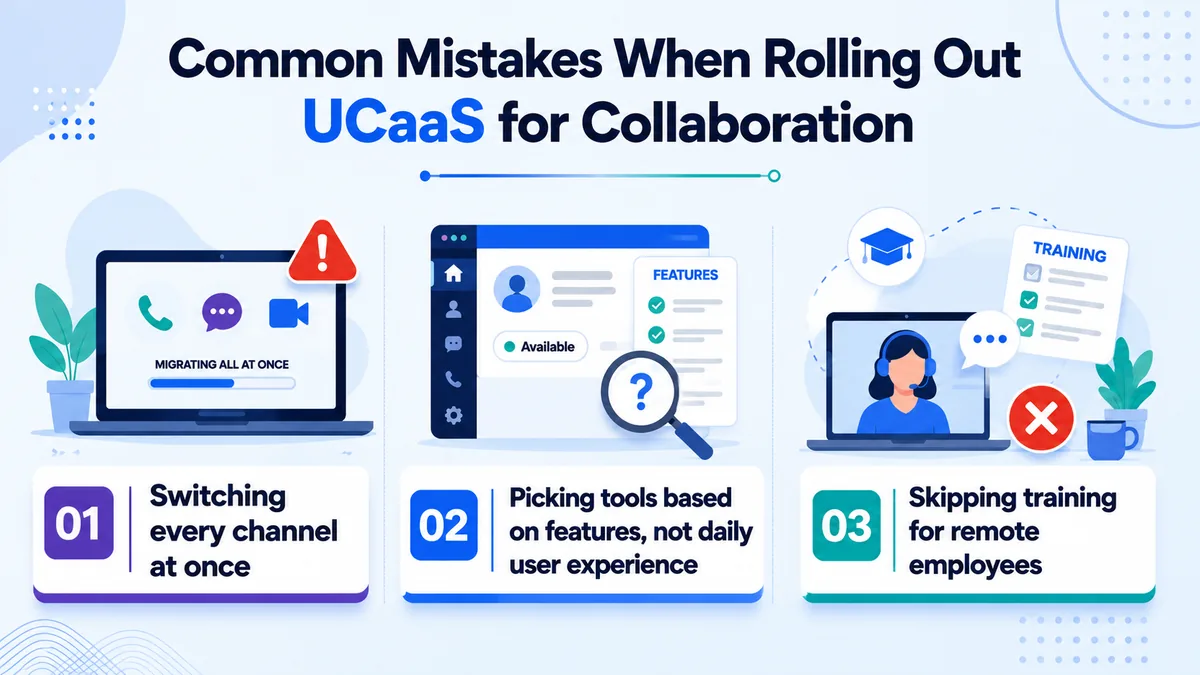
A second mistake is picking team collaboration tools based on feature lists alone without testing how presence and handoffs actually feel in daily use. A platform can list every feature on a spec sheet and still feel disjointed if the interface buries presence status or makes escalating from chat to a call clunky.
A third mistake is skipping training for remote employees specifically, since a distributed team that never gets a proper walkthrough tends to quietly fall back into email and personal chat apps within a few weeks. A short live walkthrough during the pilot department's first week heads off most of that drift before it becomes a habit that is harder to reverse later.
See also: top UCaaS and Cloud PBX providers.
Conclusion
UCaaS for seamless collaboration is less about adding another tool and more about removing the ones that were never designed to work together. Employees already switch apps over a thousand times a day, and that friction reflects a real, measurable productivity problem rather than a passing trend.
Teams that consolidate calls, chat, video, and file sharing onto one platform consistently report faster handoffs and fewer dropped details.
Start with the five-step rollout above, migrate the highest-friction tool first, and give remote employees real training on the shared presence and context that make the whole system work. Once collaboration is genuinely unified rather than scattered across five logins, the rest of the team tends to ask for it too.