Introduction
Customers already live on WhatsApp, and WhatsApp UCaaS integration is how businesses meet them there without adding another disconnected app to the support stack. Pulling WhatsApp into the same platform that already handles calls, video, and team chat means one inbox, one customer timeline, and no more copying notes between tools. Businesses that skip this step are increasingly answering customers a step slower than competitors who already made the switch.
This guide covers what WhatsApp UCaaS integration actually means, seven concrete reasons businesses are adopting it now, and a realistic five-step path to setting it up. You will also see the compliance details that trip up most first-time rollouts. By the end, you will know whether this is worth prioritizing for your own team this quarter.
What Is WhatsApp UCaaS Integration?
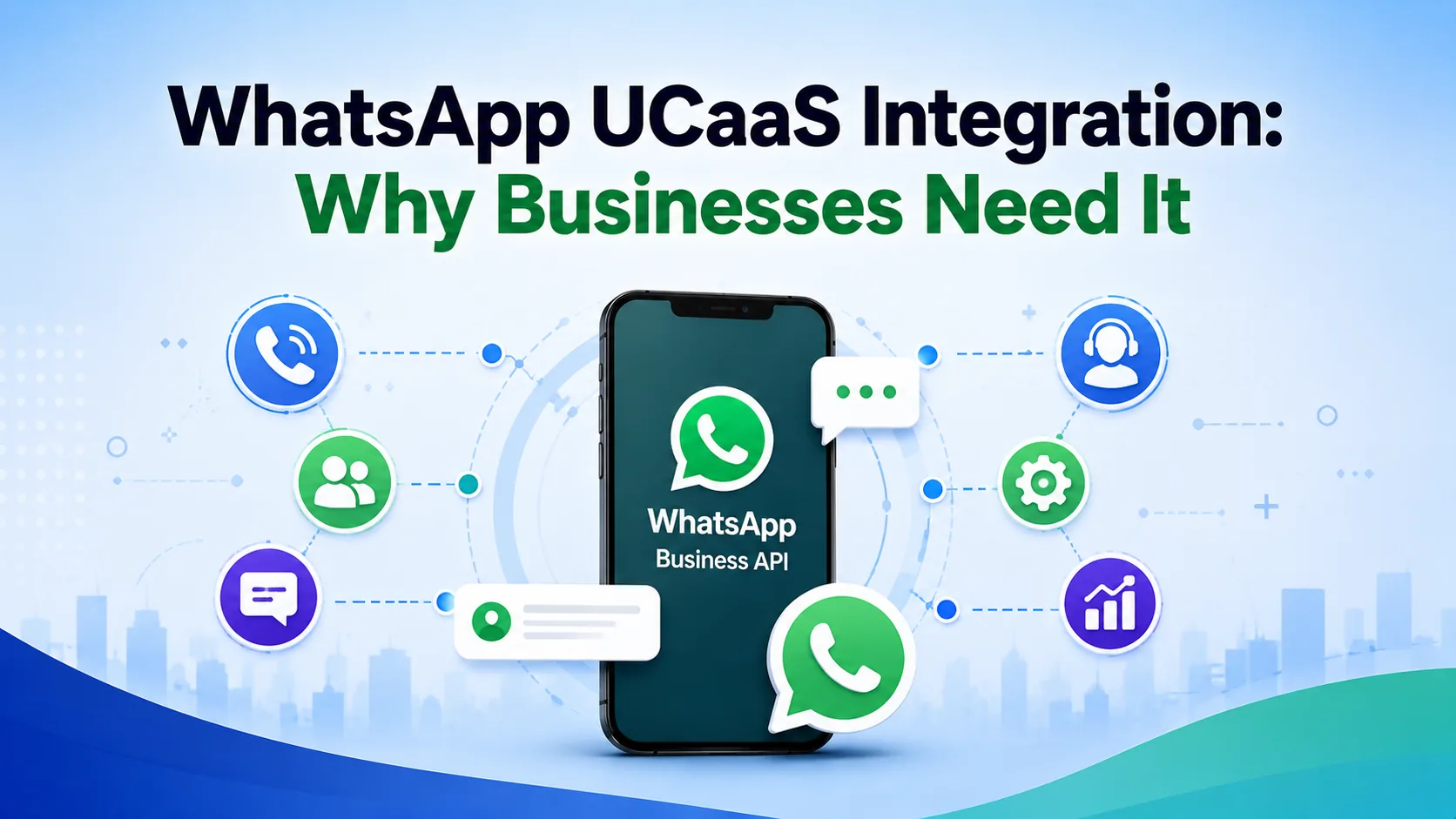
WhatsApp UCaaS integration connects the WhatsApp Business API directly into a unified communications platform, so messages land in the same inbox as phone calls, video meetings, and team chat instead of a separate app on someone's phone. Agents see a customer's call history, chat transcripts, and WhatsApp thread on one timeline, rather than piecing the story together across tools.
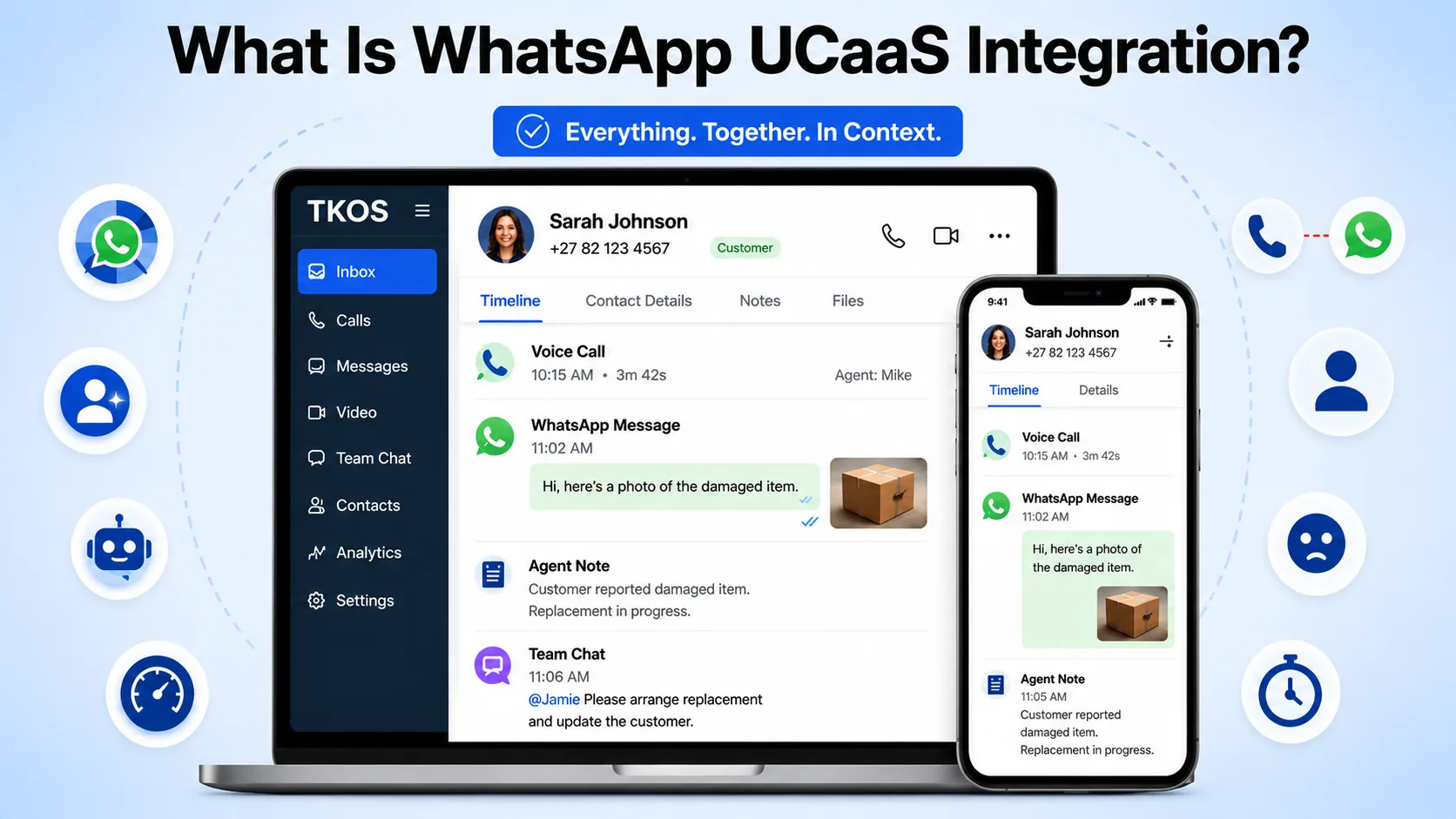
Most platforms handle this through the official API rather than the consumer app, which is what allows multiple agents, automation, and CRM syncing to work reliably. TKOS, for example, threads a WhatsApp reply alongside a customer's voice call and agent notes on a single timeline, so nobody has to ask a customer to repeat themselves.
Without this integration, WhatsApp usually ends up siloed on one person's phone or a separate tool nobody else can see. That creates blind spots exactly where customers now expect the fastest response, since WhatsApp messages get read within five minutes 88% of the time.
The gap becomes obvious the moment a customer switches channels mid-conversation, which happens constantly. Someone might call in about an order, then send a photo of a damaged item over WhatsApp an hour later expecting the agent to already know the context. Without WhatsApp UCaaS integration, that photo lands in a separate app that the call agent never sees, forcing the customer to explain everything again.
| Channel | Typical Open Rate | Typical Read Time | Per-Message Cost |
|---|---|---|---|
| WhatsApp Business | ~98% | Within 5 minutes (88% of messages) | Conversation-based, often lower at volume |
| ~20—21% | Hours to days | Near-zero per send, but low engagement | |
| SMS | ~90—98% | Minutes | Per-segment, adds up on long or international texts |
7 Reasons Businesses Need WhatsApp UCaaS Integration
1. Customers already prefer it. With 3.3 billion monthly active users and 54% of people preferring WhatsApp over email or SMS for business messages, ignoring the channel means ignoring where your customers already are. Over 200 million businesses have already made the switch, exchanging more than 2.2 billion messages with customers every single day.
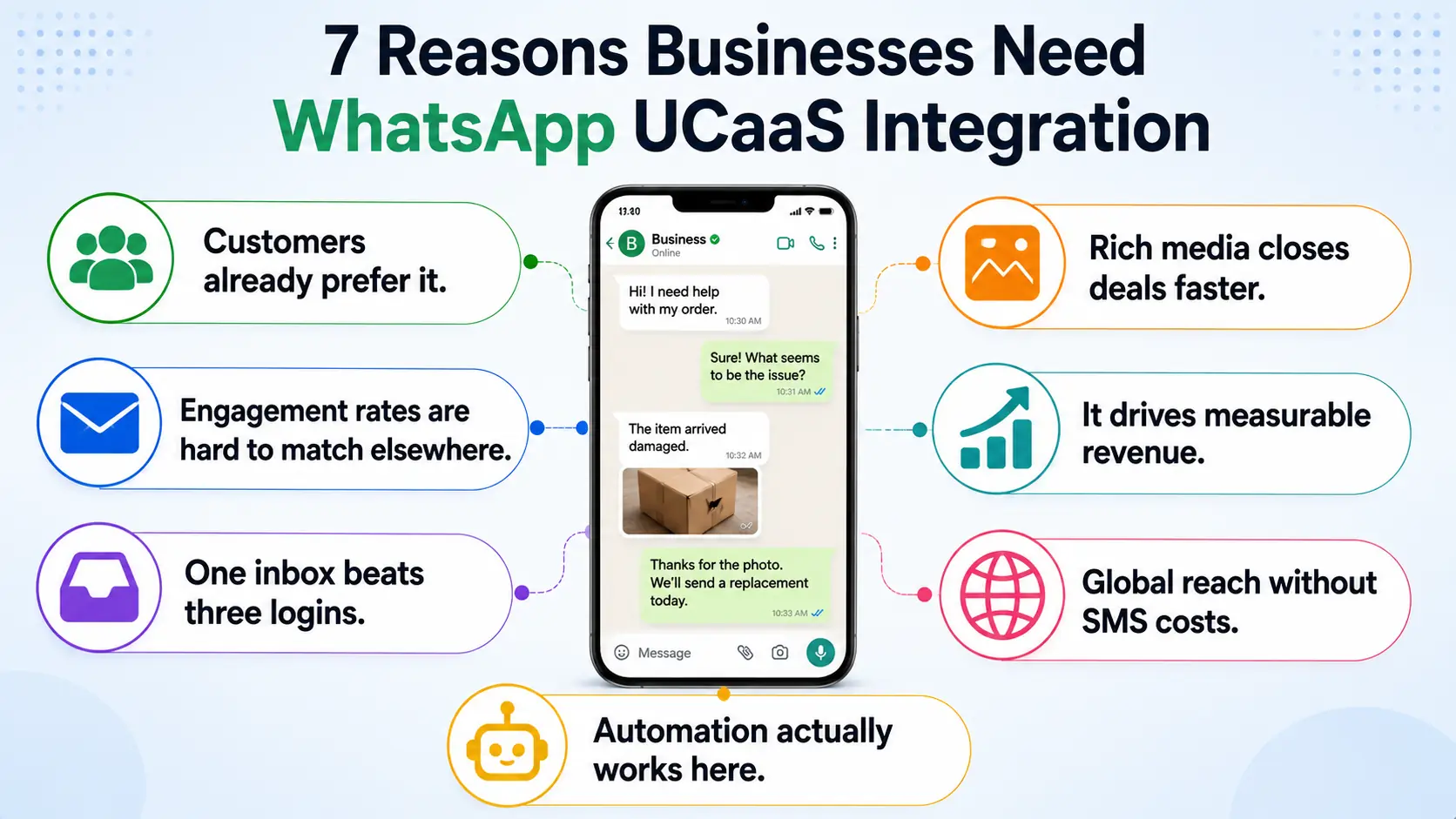
2. Engagement rates are hard to match elsewhere. A 98% open rate and 88% of messages read within five minutes puts WhatsApp far ahead of email and even most SMS campaigns. For time-sensitive updates like delivery windows or appointment reminders, that speed alone can cut no-show and missed-pickup rates significantly.
3. One inbox beats three logins. WhatsApp UCaaS integration means an agent handling a phone call can see the same customer's WhatsApp history without switching apps, cutting handling time and repeated questions. New hires also ramp up faster, since there is only one interface to learn instead of three.
4. Automation actually works here. Because messages route through a unified communications platform, template replies, AI-handled FAQs, and appointment reminders can trigger the same way they would over voice or chat. A single AI assistant can qualify a lead over WhatsApp, book the meeting, and hand off a warm transcript to a human exactly as it would on a phone call.
5. Rich media closes deals faster. WhatsApp supports images, PDFs, voice notes, and location sharing, letting a sales or support agent send a quote, contract, or map pin without a separate email thread. Customers can reply with a photo of a damaged product or a screenshot of an error, cutting several back-and-forth emails down to one message.
6. It drives measurable revenue. Businesses report 120—127% improvements in conversation and conversion rates after adding WhatsApp support, and 66% of consumers say they have purchased after messaging a brand there. That conversion lift alone often justifies the setup effort within the first quarter.
7. Global reach without per-message SMS costs. A single WhatsApp Business number reaches customers internationally without the per-segment SMS fees that pile up on cross-border texting. For businesses serving customers across multiple countries, this alone can meaningfully lower the cost of staying in touch.
Getting Started in 5 Steps
Rolling out WhatsApp UCaaS integration takes more than flipping a toggle, mostly because WhatsApp itself has approval steps a phone line never needed. Most of the delay sits with Meta's verification process rather than the platform setup itself, so starting that application early is the single biggest thing you can do to speed up launch.
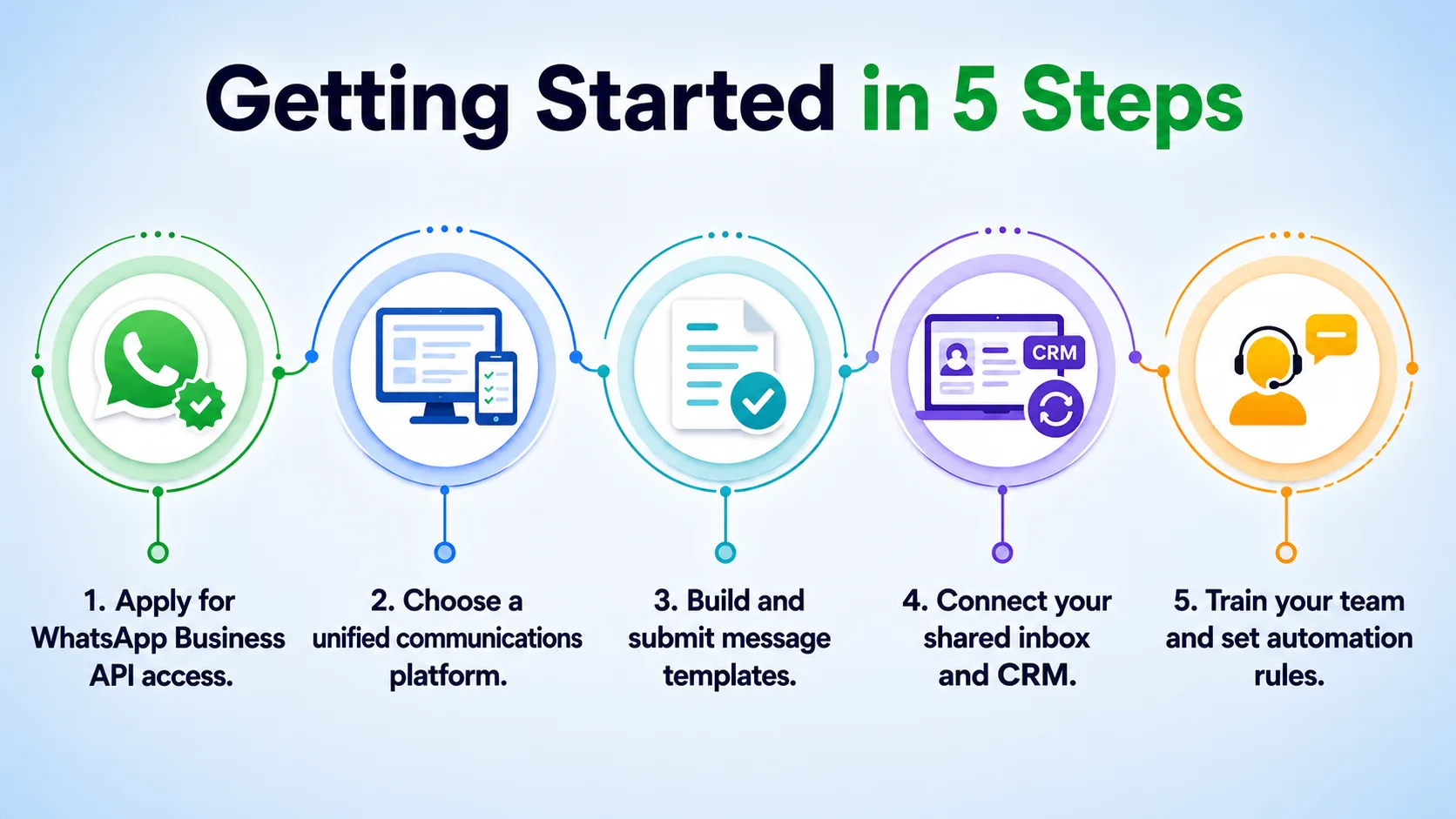
- Apply for WhatsApp Business API access. This requires a verified business, a dedicated phone number, and approval through Meta or a platform partner, which typically takes a few business days.
- Choose a unified communications platform. Compare options, including TKOS, to confirm WhatsApp is included rather than a costly add-on.
- Build and submit message templates. Any message sent outside a customer-initiated 24-hour window needs a pre-approved template, so draft your common replies early.
- Connect your shared inbox and CRM. Link WhatsApp to the same inbox as your calls and chat, and confirm customer records sync automatically across channels.
- Train your team and set automation rules. Decide which messages an AI assistant handles first and where a human should step in, then launch to a small customer segment before rolling out fully.
Compliance Considerations Most Businesses Miss
WhatsApp enforces an opt-in requirement before any business can message a customer first, and sending unsolicited messages risks the number getting flagged or banned. The 24-hour customer-service window matters too: free-form replies are fine within a day of the customer's last message, but anything after that must use an approved template, which is where many rollouts of WhatsApp UCaaS integration stumble early on.
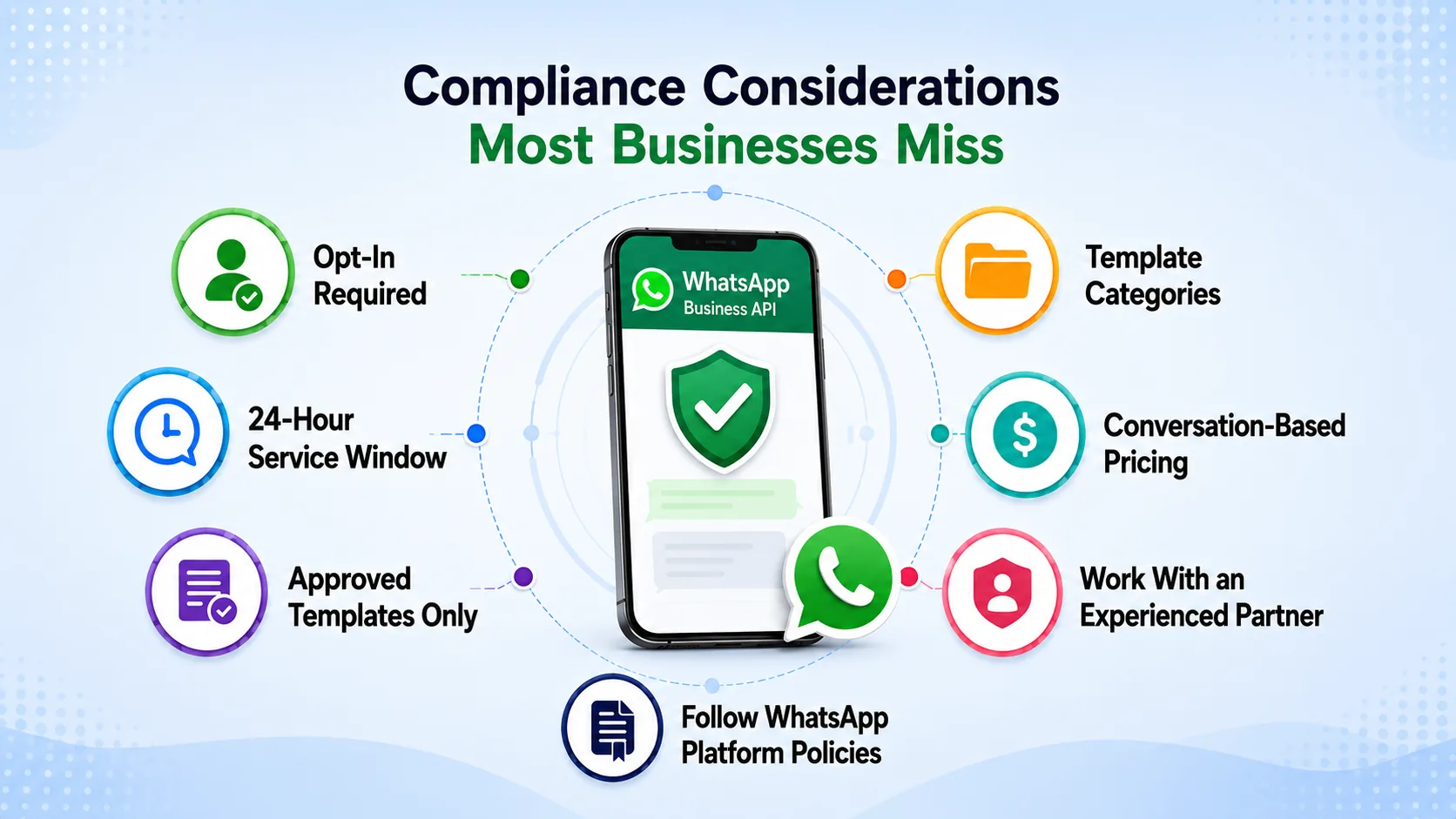
Templates themselves fall into categories, typically marketing, utility, and authentication, and each is reviewed on its own merits. A message that reads as promotional when it was meant as a transactional order update can get rejected or throttled, so keep early templates simple, factual, and narrowly scoped to the trigger event. Pricing is also conversation-based rather than per-message in most regions, so a single approved template can cover many replies within the same 24-hour window without extra cost.
A WhatsApp Business API partner that understands these rules saves weeks of trial and error compared to guessing at the review process alone, and TKOS handles template submission as part of onboarding rather than leaving businesses to figure it out solo. Budget a short buffer into your launch timeline specifically for template revisions, since first submissions get rejected more often than most teams expect.
Reviewing WhatsApp's own Business Platform policy ahead of time catches most rejection reasons before they cost you a review cycle, so it is worth bookmarking before your first template submission.
Conclusion
WhatsApp UCaaS integration is no longer a nice-to-have for businesses that talk to customers internationally or want faster response times than email allows. The engagement numbers alone, a 98% open rate against email's 20%, make the case before factoring in the convenience of one shared inbox for calls, chat, and messaging. Businesses that treat WhatsApp as a bolt-on app rather than a core channel are leaving both revenue and response speed on the table.
Start with the five-step path above, get your templates approved early, and route messages into the same unified communications platform your team already uses for calls. A small pilot with one customer segment reveals more than any spec sheet about how your team actually handles the extra channel. Once WhatsApp is truly unified rather than siloed on someone's phone, the rest of the rollout tends to move quickly.
Top WhatsApp calling countries